
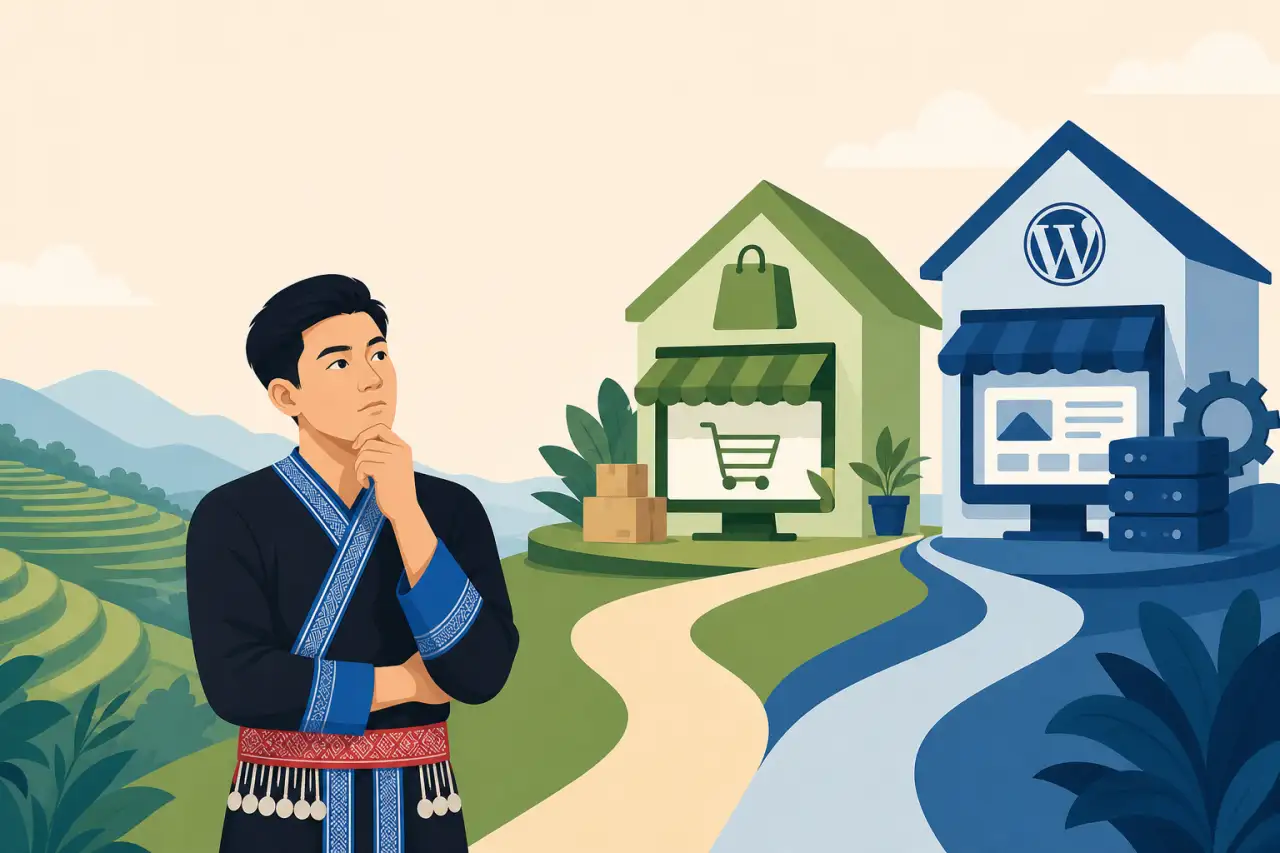
Shopify or WordPress: Picking the Right Home for Your Online Store
TL;DR
Shopify gets you selling fast with less tinkering; WordPress with WooCommerce takes more setup time but gives you more control over content, cost, and how your store and your story sit together. Pick based on how your business actually runs, not which platform sounds more impressive.
What Each Platform Is Actually Built to Do
Shopify is built to sell, full stop. From the day you sign up, these all work without you touching a line of code:
- Checkout
- Tax calculation
- Shipping labels
- Inventory tracking
- Abandoned-cart emails
You pick a theme, add products, connect a payment processor, and you can be taking real orders within a day — your first week on Shopify's free trial is a good walkthrough of exactly what that looks like in practice. That focus is the whole selling point: Shopify assumes you want to run a store, not manage a website, and it removes almost every technical decision between you and your first sale.
WordPress with WooCommerce takes the opposite starting point. WordPress is a general-purpose website platform that commerce gets bolted onto, which means you're not locked into "store" as the only shape your site can take. A restaurant can run a full menu and online ordering system alongside a blog about the family recipes behind it, on the same domain, without paying for two separate platforms. The tradeoff is that nothing comes assembled for you — you're responsible for choosing each of these yourself:
- A theme
- A page builder
- A security plugin
- A backup plugin
- The specific WooCommerce extensions that replace what Shopify includes on day one
And every one of those pieces is now something you're responsible for keeping compatible with each other as they each release their own updates on their own schedule. Setting up a WordPress store walks through which of those pieces you actually need on day one, and which ones can wait.
The Real Cost Picture, Not Just the Sticker Price
The sticker price comparison people usually reach for — "Shopify has a monthly fee, WordPress is free" — is misleading, because WordPress isn't actually free, it just moves the cost from one predictable subscription line to several less predictable ones. You're paying for several different things:
- Hosting
- A domain
- Whichever premium theme or plugins your store actually needs
- Someone's time to keep it all updated — the cost most first-time WooCommerce owners miss
A plugin that goes unmaintained for a year and then breaks during a WordPress core update is not a hypothetical; it's one of the most common reasons a WooCommerce store goes down at the worst possible moment, usually with no warning.
Shopify's costs are easier to predict because they're bundled:
- A monthly subscription
- A transaction fee if you use a payment processor other than Shopify's own
- The cost of any paid apps you add, for things like advanced shipping rules or loyalty programs
Over a year, a lean Shopify store and a lean WordPress store often land in a similar overall range once you add up hosting, plugins, and a developer's occasional help — the real difference shows up in whose time gets spent closing that gap. Shopify trades your dollars for less of your time; WordPress trades your dollars for more of your time, or someone else's time you're paying for directly.

If You Mainly Want to Sell and Move On
If your business is a straightforward set of products — jewelry, skincare, baked goods you ship, clothing — and your real job is making and fulfilling orders, not maintaining a website, Shopify is worth the subscription. The value isn't the storefront design, it's everything happening behind it: when a customer's card gets declined, when a shipping rate needs to update because a carrier changed their pricing, when you need a clean record of sales at the end of the year, Shopify already built the plumbing for all of that. You spend your limited hours on product and customers instead of on the site itself.
This matters more than it sounds like for a business run by one or two people already juggling production, sales, and family. The hidden cost of a "cheaper" platform is the hour you spend troubleshooting a broken checkout instead of prepping an order, and that hour is worth more to a small business than the dollars saved on hosting. If nothing about your business requires custom page layouts, a blog, or content that lives next to your products, don't make the decision harder than it needs to be.
If Your Business Is Content and Commerce Together
Some businesses don't fit neatly into "store." These are businesses where the content is doing as much work as the checkout button:
- A caterer whose site needs to explain the story behind a menu
- A seamstress who wants to publish how paj ntaub patterns are made before selling the finished pieces
- A consultant who sells a handful of digital products but whose real traffic comes from articles people find through search
WordPress was built for exactly this: pages, posts, and products can share the same navigation, the same design, and the same domain, so a post about your craft and the product page selling it reinforce each other instead of living on two disconnected platforms.
This is also where WordPress's flexibility earns its reputation. You're not limited to a store template with a blog bolted on as an afterthought — you can build the site around whatever your customers actually need to see first, whether that's your story, your process, or your catalog. If you or someone you trust is already comfortable in WordPress, or your business has grown past what a template can represent, that flexibility is worth the extra setup time.
Selling Products That Carry Cultural Weight
A lot of what Hmong-owned businesses sell isn't generic. These products need product pages that can explain themselves, not just a price and an "add to cart" button:
- Paj ntaub textiles
- Silver jewelry passed down in design from specific clans
- Herbal remedies
- New Year clothing
- Catering built around dishes that don't have a clean one-word English name
That's a content problem as much as a commerce problem, and it's where the platform choice quietly matters more than it first appears.
Shopify can absolutely hold that kind of description in a product page, but it treats every product as the same kind of object, which can flatten a story that deserves more room. WordPress lets a product page link out to a full article about how a pattern is stitched, or a video about how a dish is made, without forcing that context to live awkwardly inside a five-hundred-character product field. Neither platform requires bilingual support out of the box, but WordPress's plugin ecosystem has more mature options for running a site in Hmong and English side by side, which matters if part of your customer base reads one language more comfortably than the other.

The Question That Actually Decides It: Who Fixes It When It Breaks
Before picking a platform, ask a blunter question than "which one is more powerful": when something breaks the night before a big weekend, who fixes it? On Shopify, a broken checkout is almost always a Shopify problem, and Shopify support exists specifically to solve it — you're paying for that safety net every month whether you use it or not. On WordPress, a broken checkout could be your hosting company, your theme, a plugin conflict, or an update that didn't play well with something else, and figuring out which one it is takes either technical skill or a developer relationship.
For a lot of small business owners, especially ones running the business alongside a full-time job or a family to take care of, this is the deciding factor more than price or features. If you don't have someone you can call — a relative, a freelancer, a local web developer — who actually knows WordPress and will pick up the phone, that flexibility turns into risk the moment something goes wrong during your busiest week, like the days before Hmong New Year when a textile or clothing shop does a real share of its year's business. Shopify's built-in support isn't just convenience; it's insurance you're already paying for either way.
Can You Switch Platforms Later Without Starting Over
Neither choice is permanent, but neither is painless to reverse either. Moving from Shopify to WordPress, or the other way, means exporting your product catalog and customer list, which both platforms let you do, but it does not mean your site design, your reviews, your search rankings, or your app integrations come with you. Every migration is effectively a rebuild — the data survives, the years of small tweaks and accumulated traffic mostly don't.
That's a real argument for not treating this decision as reversible on a whim, but it's also not a reason to freeze. A store that launches on the "wrong" platform and actually sells product for two years beats a store that never launches because the owner is still weighing the perfect long-term choice. If you outgrow Shopify's limits, or WordPress maintenance becomes more than you want to manage, migrating later is a real project — but it's one you take on because your business succeeded enough to need it, which is a good problem to have. And whichever platform you're on, your listing on outside directories, your Google Business Profile, and your social pages stay put regardless — the platform underneath your store is far less visible to customers than it feels to you while you're choosing it.
A Simple Way to Decide This Week
If you've read this far and still feel stuck, use this as a tiebreaker: picture your next twelve months. If most of your effort is going into building better products, better relationships with customers, and getting the word out about a straightforward shop, choose Shopify and put your energy where it counts. If your next twelve months involve building a brand around your story, your culture, or content that draws people in before they ever see a product, and you have someone who can maintain a WordPress site, choose WordPress and let the platform grow with that story. And if Wix is still quietly on your shortlist too, the Wix vs. WordPress comparison walks through that same tradeoff from a different angle.
Whichever you pick, remember the platform is just the engine — what your website actually needs to do matters more than which logo sits in the corner of your admin panel. Resist the urge to keep researching past the point of usefulness. Set a deadline for the decision — a week is plenty — and once you've picked, spend your time building the store instead of relitigating the choice. The businesses that actually grow are the ones selling on an imperfect platform today, not the ones still comparing platforms six months from now.

Questions people ask
What's the difference between using Shopify versus WordPress for selling online?
Shopify is built specifically for selling — checkout, taxes, shipping, and inventory tracking all work out of the box without coding. WordPress is a general website platform that you add a store to, so it's more flexible but requires you to choose and maintain separate plugins for each function. Shopify costs predictable monthly fees; WordPress moves those costs to hosting, domains, and plugins instead.
Is WordPress actually cheaper than Shopify if I count everything?
Not necessarily. Shopify has a monthly subscription, but WordPress costs add up across hosting, a domain, premium plugins, and someone's time to keep it updated. Over a year, a basic Shopify store and a lean WordPress store often cost about the same overall — the difference is whether you're paying in dollars (Shopify) or in your own time (WordPress).
When should I use WordPress instead of Shopify?
Choose WordPress if your business mixes content and commerce — like a seamstress publishing how patterns are made alongside selling finished pieces, or a caterer explaining menu stories. Also choose it if your products need bilingual support in Hmong and English, since WordPress has better plugin options for that. Only pick WordPress if you have someone reliable who can maintain it when things break.
What happens to my store if I switch platforms later?
You can export your product data and customer list, but your site design, reviews, search rankings, and apps don't transfer. Migrating is essentially rebuilding the storefront. However, a store that launches and sells on an imperfect platform beats one that never launches while you're still deciding. If your business grows enough to outgrow one platform, migrating becomes a good problem to have.
Written by
Hmong Network Team
Directory & Digital Services
We run the Hmong Network directory and do the web design and SEO/AEO work behind the results in our case studies. These guides come out of that same hands-on work with Hmong-owned businesses — not secondhand research.
