
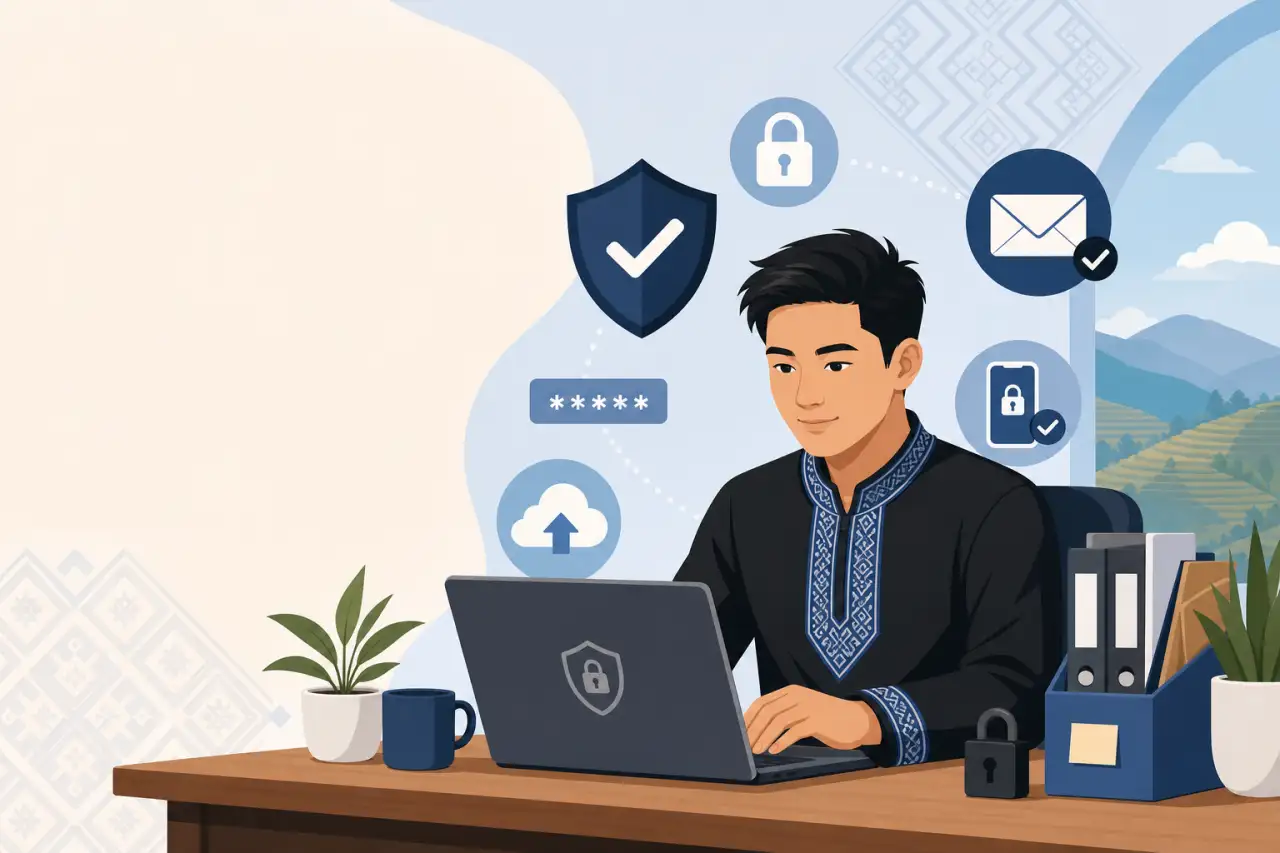
Basic Technology and Cybersecurity Habits Every Small Business Needs
TL;DR
A handful of consistent habits, unique passwords, backups off your one laptop, and current software, cover most of the real risk a small business faces, and none of it requires hiring an IT person.
Where Small Business Risk Actually Comes From
When owners picture a security problem, they usually picture a hacker in a hoodie breaking through a firewall. That's not what actually happens to a family restaurant, a nail salon, or a small trucking business. What happens is more ordinary:
- The same password gets used for the business Facebook page and the owner's personal email, so when one gets guessed, both go down.
- A laptop with the only copy of the customer list and this year's tax documents gets left in a car.
- An employee who was let go still has the login to the point-of-sale system three months later because nobody thought to change it.
This matters because it changes where you should spend your limited time and money. You don't need to buy an expensive security package or hire a consultant to walk you through a compliance checklist, and you don't need to adopt every app on the market either — the few tools that actually move the needle is a broader look at which technology is actually worth your time. You need to close a small number of very ordinary gaps, the ones that show up over and over in how small businesses, including a lot of Hmong-owned businesses that started as one person's laptop and a phone, actually operate day to day. A shop with two registers and one owner who handles everything after closing has a different risk profile than a large company, and the fix looks different too: fewer tools, but used consistently, beats a long list of software nobody actually opens.
The rest of this comes down to five habits. None of them require technical skill. All of them require deciding, once, that you're going to do them, and then actually keeping them up.
The One Habit That Closes Most of the Door: Passwords and Two-Factor Login
If you fix only one thing after reading this, fix your passwords. Reused passwords are how the overwhelming majority of small business accounts get broken into, not clever hacking, just a password that leaked somewhere else years ago and still works on your bank login today. Get a password manager, there are free and low-cost options that work fine for a business your size, and use it to generate a unique password for every account that matters:
- Your business email
- Your bank and payment processor
- Your point-of-sale backend
- Your Google Business Profile
- Your Facebook or Instagram business account
Then turn on two-factor authentication everywhere it's offered, especially on email and banking. This is the single highest-value five minutes you can spend on security. Two-factor means that even if someone does get your password, they still can't get in without a code sent to your phone. For a business that runs its marketing through a Facebook page, this is not optional, hijacked business social accounts are one of the most common things that happens to small businesses that skip this step, and getting a stolen page back can take weeks.
One practical note for family businesses: if several people share access to the same account, like a shared Instagram login for the business, don't share the same password over text message forever. Set up the account so each person who needs access has their own login tied to their own two-factor device, or at minimum, store the shared password in the password manager rather than in a group chat that lives forever on everyone's phone.
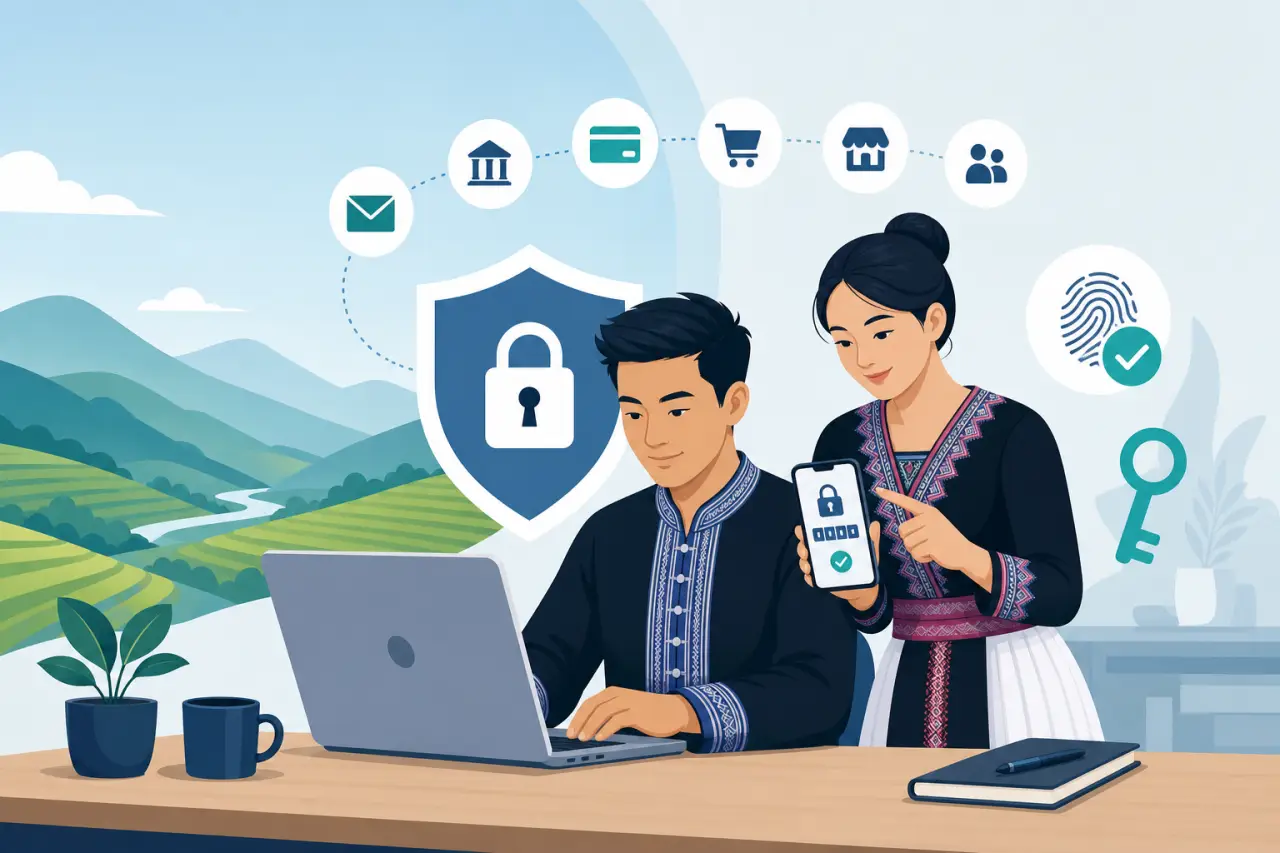
Getting Your Business Off One Laptop
A lot of small businesses run entirely on one device: one laptop with the accounting spreadsheet, the customer contact list, the supplier order history, and photos for the website all saved locally. That's a single point of failure. If that laptop is stolen, gets a coffee spilled on it, or simply dies after five years of daily use, the business doesn't just lose a device, it loses its records.
The fix is cloud storage, and it's genuinely simple to set up: Google Drive, Dropbox, or Microsoft OneDrive all work, and most have a free tier that's enough for a small business to start with. Move your working files there instead of only saving to the desktop, and set up folders that make sense for how your business actually operates, separate folders for:
- Financial records
- Supplier contacts
- Employee documents
- Marketing materials
so when you need something quickly during a busy shift, you're not searching through years of unsorted files.
Backups are a related but separate habit. Cloud storage that syncs automatically is close to a backup, but it's worth doing a real backup check periodically: once a quarter, confirm that your most recent tax documents, your customer or client list, and anything that would be genuinely painful to lose actually exist somewhere other than the one device you use every day. If you use a point-of-sale system, check whether it exports sales history automatically or whether you need to download a report yourself, and if it's the latter, put a reminder on your calendar to do it monthly rather than trusting yourself to remember.
Turning Your Point-of-Sale System Into a Bookkeeping Shortcut
A lot of small business owners still treat their point-of-sale system as just a cash register, ring it up, print the receipt, move on. That undersells what it can do for you. A modern POS system, whether it's Square, Clover, Toast, or something similar, records every transaction with a timestamp, an item, and a payment method automatically, which means the sales data you'd otherwise have to reconstruct by hand at tax time is already sitting there. Many of these systems can also text a receipt or an appointment reminder straight to a customer's phone, which is convenient, but worth pairing with staying compliant when texting customers so a helpful feature doesn't turn into a compliance headache.
The real payoff shows up when you connect it to accounting software, even a basic one, so that daily sales flow into your books without you re-typing numbers from a paper tape. This alone can save several hours a week for a business doing its own bookkeeping, and more importantly, it gives you accurate numbers instead of end-of-month guesses. You can see which days of the week are actually your busiest, rather than assuming based on how tired you feel, and staff your shifts accordingly. You can see which menu items or products barely sell and are quietly costing you money in inventory that goes unused. If you're also putting together the rest of the equipment behind the counter or an online storefront, the actual gear list for an online store walks through what's actually worth having.
If you're still running a cash-only operation or a system that doesn't track this automatically, this is one of the highest-return upgrades available to a small business, not because the technology itself is exciting, but because it turns hours of manual reconciliation into a report you can pull up in thirty seconds. Before you add another subscription to fix this, though, it's worth following rules before buying more software so you don't end up paying for five overlapping tools that each do one thing. It also creates a paper trail that protects you if a customer disputes a charge or if you're ever audited.
Who Else Can Get In? Planning for the Locked-Out Owner
Here's a scenario that plays out more often than people expect: the one person who set up the business's email, bank login, and Google Business Profile becomes unavailable, they're sick, traveling, or in a family emergency, and nobody else can get into any of it. For a lot of family-run businesses, especially ones where a parent built the business and the accounts are still tied to their personal phone number for two-factor codes, this isn't a hypothetical. It happens during exactly the kind of stressful period when the business can least afford to be locked out of its own bank account.
The fix is building in redundancy on purpose, before you need it. Make sure at least two trusted people, ideally including whoever would take over if the primary owner couldn't run things for a stretch of time, have documented, working access to the accounts that matter most:
- The business bank account
- The email address tied to your domain and social accounts
- Your Google Business Profile
Most password managers let you set up a designated emergency contact who can request access after a waiting period, which is a safer way to handle this than writing passwords on a sticky note or texting them to a family member and hoping the message never gets deleted.
This matters even more for businesses going through a generational handoff, which is common in Hmong-owned businesses where a parent started the shop and an adult child is gradually taking over the marketing, the website, or the books. Write down, somewhere both people can find it, which accounts exist, who has access, and how to reset each one. It's an uncomfortable conversation to have in advance, but it's a much easier one than trying to prove ownership of a hijacked account to a support team that's never heard of your business.
Updates Are the Boring Habit That Actually Prevents Break-Ins
Software updates get postponed constantly, they show up as an annoying pop-up in the middle of a busy day, and it's easy to click remind me later and move on. But most real-world break-ins into small business systems don't come from some undiscovered flaw, they come from an already-known and already-patched vulnerability that the business simply hadn't updated against yet. The update exists specifically to close the hole. Skipping it leaves the hole open.
This applies to more than just your computer's operating system. Your point-of-sale software, your router's firmware, and any apps you use to manage orders or bookings all get security patches on their own schedule, and all of them are worth keeping current. Pick a low-traffic time, a slow morning, the last day of the month, whatever fits your business, and make it a standing habit to check for and install updates rather than waiting for a device to nag you into it.
Your business wifi router deserves specific attention here, because it's often the one piece of equipment nobody thinks about after the day it was installed. If you're still using the default administrator password that came printed on the box, or a router that's five or more years old and no longer receives security updates from the manufacturer, that's worth fixing. A compromised router can expose everything else on your network, including your point-of-sale system and any customer wifi you offer.
Training the People Who Actually Touch Your Accounts
You can set up every password manager, backup routine, and two-factor login correctly and still get broken into because one employee reused their personal Instagram password for the shared business login, or clicked a text message that looked like it came from your payment processor asking them to confirm account details. The tools only work if the people using them understand the handful of habits that matter.
This doesn't require a formal training program. A short, plain-language walkthrough, ideally in whatever language your team is most comfortable in, covering three things goes a long way:
- Never reuse a personal password for a business account.
- Don't click links in unexpected texts or emails asking you to log in or confirm payment information.
- If something about a request feels off, especially one asking to move money or change account details, verify it by calling the person directly rather than replying to the message.
Scammers who target small businesses often impersonate a supplier or even the owner by text, asking an employee to urgently wire money or buy gift cards, and a five-minute phone call to confirm can stop this cold.
For businesses where staff includes family members across generations, or employees for whom English isn't a first language, keep the training genuinely simple rather than translating a corporate security policy word for word. A one-page sheet with the three or four things not to do, posted near the register or the office computer, will get followed. A long policy document will get filed away and never read again.
A Realistic Way to Actually Get This Done
None of this needs to happen in one weekend, and trying to do it all at once is how these projects stall out. A more realistic approach is to spread it across a month, tackling one piece at a time while still running the business.
- Start with passwords and two-factor authentication on your email, bank, and social accounts, since that closes the biggest and most common gap and takes the least time.
- Move your important files into cloud storage and confirm your point-of-sale system is exporting sales data somewhere safe.
- Have the conversation about who else needs access to your most important accounts, and set up a second trusted person with real, working access rather than leaving it to chance.
- Spend fifteen minutes writing a one-page list of do's and don'ts for anyone on your team who touches a business account, and walk through it together at a slow moment.
None of these steps require a technical background or a big budget. What they require is treating them as recurring habits rather than a one-time project, checking updates monthly, reviewing who has account access every so often, and confirming backups actually work before you need them. A business that does these ordinary things consistently is meaningfully safer than one that bought an expensive security tool once and never thought about it again.
Questions people ask
What's the single most important thing I should fix for my business security?
Fix your passwords. Most small business accounts get broken into because passwords are reused across accounts, not through clever hacking. Use a password manager to create unique passwords for your email, bank, point-of-sale system, and social media accounts. Then turn on two-factor authentication everywhere it's offered, especially email and banking. This single step closes most of the door.
How do I make sure someone else can access my business accounts if I can't?
Document which accounts matter most—your bank account, business email, and Google Business Profile—and make sure at least two trusted people have working access to each one. Use your password manager's emergency contact feature if available, which lets a designated person request access after a waiting period. This protects you during illness, travel, or family emergencies.
What should I do with my point-of-sale system besides ring up sales?
Connect it to accounting software so daily sales flow into your books automatically instead of you retyping numbers from receipts. This saves hours each week and gives you accurate data to see which days are busiest and which products barely sell. A modern POS system like Square or Clover already records every transaction with a timestamp and payment method.
Why does my business router matter for security?
A compromised router can expose everything on your network, including your point-of-sale system and customer wifi. If you're still using the default administrator password from the box or have a router five or more years old that no longer receives security updates, that's a real gap. Change the default password and keep the router's firmware updated.
Written by
Hmong Network Team
Directory & Digital Services
We run the Hmong Network directory and do the web design and SEO/AEO work behind the results in our case studies. These guides come out of that same hands-on work with Hmong-owned businesses — not secondhand research.
