
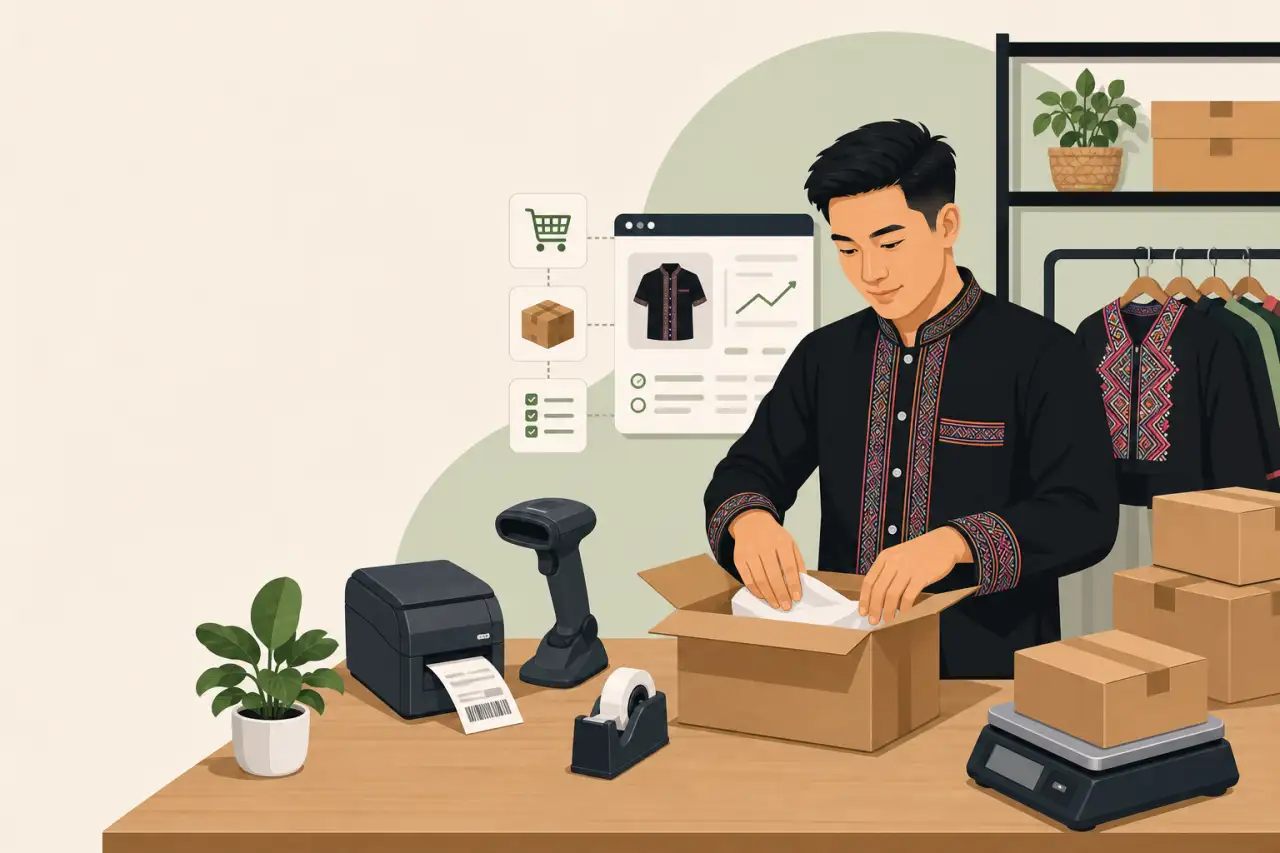
The Actual Gear List for Running an Online Store
TL;DR
You don't need a warehouse full of equipment to run an online store — a barcode scanner, a label printer, an accurate scale, and software that keeps your storefront and inventory in sync will carry you well past your first few hundred orders.
The Three Non-Negotiables: Scanner, Printer, and Software That Actually Talks to Each Other
A barcode scanner and a decent label printer pay for themselves in the first month just by cutting how long each order takes to pack and ship. Typing tracking numbers and addresses by hand is where small operations quietly bleed time nobody adds up until it's a real problem — ten extra minutes per order doesn't feel like much until you're doing thirty orders a week and it's eaten an entire afternoon you could have spent on the parts of the business only you can do, like sourcing product or talking to customers.
On the software side, you need three things talking to each other:
- Your storefront
- Your inventory count
- Your shipping label generator
If a sale on your site doesn't automatically drop your inventory number, you will eventually sell something you don't have. That's a worse problem than any piece of hardware solves, because it turns into an apology email and a refund instead of a shipped order — and if it happens during a busy season like Hmong New Year vendor rushes or a holiday gift push, it happens to five customers at once instead of one, right when you have the least spare time to fix it by hand.
Don't treat this as three separate purchases. Most storefront platforms (Shopify, Squarespace Commerce, WooCommerce) already include basic shipping label generation and inventory tracking for free or cheap — the mistake is buying a standalone label service and a standalone inventory app that never sync with the store itself. Check what your platform already does before adding a new subscription on top of it. A surprising number of small sellers end up paying for a second tool that duplicates something they already had access to, simply because nobody walked them through the dashboard they were already paying for. None of this hardware and software replaces what actually drives online sales — it just clears the operational friction so you have more time for that.
Picking a Storefront Platform You Won't Regret in a Year
The platform decision matters more than any hardware purchase, because switching later means re-uploading every product, rebuilding every page, and re-training yourself on a new dashboard while orders keep coming in. Before you commit, check three things:
- Can you export your own customer and order data if you ever leave
- Does the platform lock you into its own payment processor at a worse rate than you could get elsewhere
- Can you actually update products from your phone without needing a laptop open
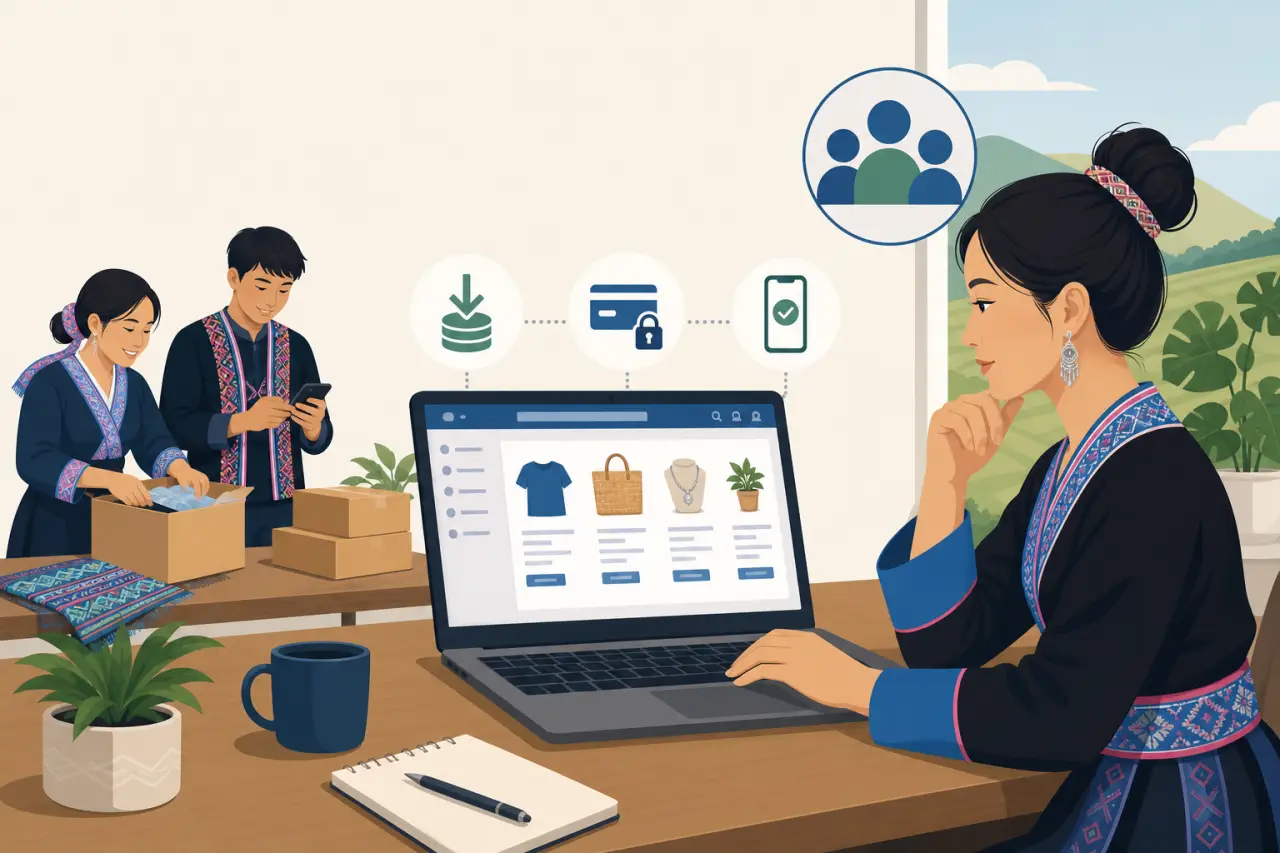
For a family-run business where more than one person might log in — a parent handling orders in the morning, an adult child updating listings at night — look for a platform with real multi-user accounts rather than one login everyone shares. Shared logins make it impossible to tell who changed a price or deleted a listing by accident, and they're a headache the day someone leaves the business or a device gets lost, since you'd have to change the one password everyone depends on.
If you're currently selling only through Etsy or a Facebook Shop, that's a fine place to start, but understand it's a rented storefront: the platform can change its fee structure, its search ranking, or its rules with little notice, and you don't own the customer relationship the way you do on your own domain. Plan to eventually run your own site alongside it, not instead of it — most established sellers end up running both, using the marketplace for discovery and their own site for repeat customers and better margins.
Also check what happens to your listing content if you ever want to leave. Product photos, descriptions, and reviews you built up over months or years should be yours to take with you, in a usable format, not locked behind an export button that only spits out a confusing spreadsheet nobody could actually rebuild a store from.
The Shipping Station: Scale, Tape, Boxes, and a Printer That Doesn't Jam
A reliable shipping scale is worth adding to your list early — misjudging a package's weight by even a few ounces creates cost surprises that quietly eat into margin on every order, not just the occasional one. It's a small purchase that pays for itself the first time it catches a mistake before checkout does, instead of after you've already eaten the difference between what the customer paid for shipping and what the carrier actually charged you. Round-tripping that difference through a customer service ticket costs you more time than the scale itself ever will.
Deciding whether you need a thermal label printer usually comes down to volume: they're worth the upfront cost over printing labels on your home inkjet, since:
- No ink cartridges to run dry mid-order
- No labels that smear if they get a little wet in transit
- They print in seconds instead of the slow crawl of a regular printer
A basic thermal printer is a one-time cost that stops being a recurring ink expense, and most connect directly to your shipping software so a label prints the moment you buy postage instead of you fighting with a print dialog box.
Packaging Supplies and Your Packing Station
Buy packaging materials — boxes, mailers, tape, bubble wrap — in bulk rather than restocking one roll of tape at a time from a local store. It's cheaper per unit, and running out of boxes mid-week because you didn't reorder in time is a completely avoidable way to miss a shipping deadline. Set a reminder to reorder at a fixed stock level rather than waiting until you're down to your last few.
Give the whole setup a real, dedicated spot — even if it's just a corner of a garage or a folding table in a spare room. Packing orders on the kitchen counter between other things is how boxes get mixed up, tape gets misplaced, and an order goes out with the wrong item inside. A fixed station, with the scanner, scale, printer, and packaging all within arm's reach, is one of the cheapest ways to cut mistakes.
One Point of Sale for Both the Storefront and the Folding Table
One place worth spending early: a card reader that works both online and in person, on the same system. A business selling at community events one weekend — a Hmong New Year celebration, a farmers market, a local craft fair — and online the next needs one tool tracking both, not two systems that don't talk to each other and leave you reconciling sales by hand afterward at the end of a long day.
The payoff isn't just convenience. If your in-person sales and online sales share the same inventory count, a product that sells out at a Saturday market automatically shows as unavailable on your website Sunday morning, instead of you finding out three days later when an online order comes in for something you don't have and have to send a refund and an apology.
Whatever POS you land on, run a test order through your own store before a big sales weekend, not during one:
- Ring up a real sale
- Refund it
- Make sure the receipt, the inventory count, and the card processing all behaved the way you expected
Finding out a setting is wrong in front of a line of customers at a busy event is a bad way to learn it.
When you're choosing payment options, look past the fee percentage on the sticker to how quickly the money actually lands in your bank account. Some processors advertise a low rate but hold funds for several business days, which matters a lot if you're relying on that weekend's sales to restock for the following week.
What to Skip Until You've Actually Felt the Pain It Solves
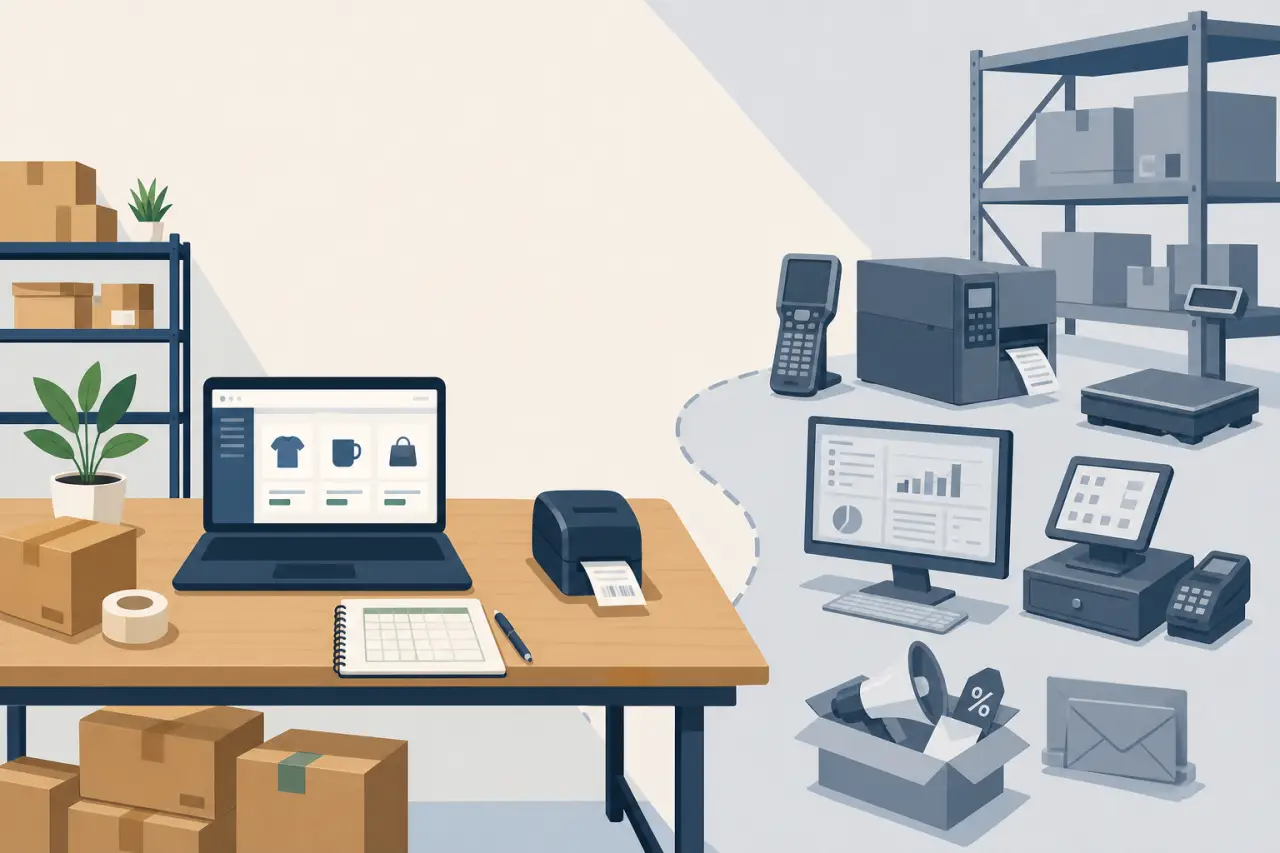
Skip the elaborate warehouse management system and the multi-channel inventory suite until you've actually felt the problem they solve. A spreadsheet plus the free inventory tool built into your storefront platform covers most businesses through their first couple hundred orders — buying enterprise-grade software before you need it just means paying a monthly fee to learn a complicated dashboard you don't have a reason to use yet, on top of everything else you're already learning.
The same logic applies to point-of-sale add-ons, loyalty programs, and automated email marketing suites with dozens of features. They're nice to have eventually, but they're not worth the setup time before your core sales channel is actually proven and generating steady orders. A loyalty program with no repeat customers to enroll in it is just a subscription you forgot to cancel, and a marketing automation tool with no email list to send to is the same thing with extra steps.
This extends to physical gear too:
- A dedicated shipping printer for international customs forms
- A second scanner as a spare
- A bigger POS terminal with a built-in receipt printer
All reasonable purchases for a business doing real volume, and all a waste of a few hundred dollars for a business still figuring out what actually sells.
A good rule of thumb: add a new tool only once you can name the specific, recurring problem it solves for you this month — not because a bigger competitor already has it, and not because a sales rep made it sound essential. If you can't describe the exact moment last week where the tool would have saved you time or money, it's early.
Backups, Bad Internet, and the Failure Points Nobody Warns You About
If you're running an online store out of your home, your internet connection is now part of your business infrastructure, not just something for browsing. A short outage during a flash sale or a holiday rush can mean missed orders and a storefront that looks broken to a customer trying to check out. Know your mobile hotspot as a real backup option, not a theoretical one — test it once before you actually need it.
Most card readers have an offline mode that stores a transaction and processes it once the connection comes back; know how to turn it on before you're standing at a market table with no signal and a customer waiting. Finding that setting for the first time in the moment you need it is a bad time to learn a new interface.
Export your order history and customer list periodically and keep a copy somewhere outside the platform itself — a spreadsheet in your own cloud storage is enough. Platforms occasionally lock accounts, have outages, or change policies with little warning, and you don't want your entire sales history to exist only inside a system you don't control. Use a shared password manager for business accounts rather than one person's memory or a sticky note — if that one person is unreachable during a busy week, the whole operation shouldn't stall out waiting on them.
A Realistic Order to Buy Things In, If You're Starting From Zero
Start with the storefront platform itself and get one product live and sellable before buying a single piece of hardware. There's no point owning a label printer for orders you don't have yet. From there, work through the rest in roughly this order, buying each thing once your sales actually justify it:
- Once you've made a handful of real sales, add the barcode scanner and thermal label printer together — they're the pair that saves the most time per order and they're worth buying at the same time rather than staggering.
- Next comes the shipping scale and packaging materials bought in bulk, ideally before your first real rush of orders rather than during it.
- As order volume climbs from there, simplifying shipping as orders grow with dedicated shipping software is usually the next upgrade worth making, once manual label creation starts eating real time each day.
- If you also sell in person at markets or events, add the dual online-and-in-person card reader around this same point, so your inventory count stays accurate across both channels from early on instead of you trying to reconcile two separate systems after the fact.
Everything else on this list — the inventory suite, the loyalty program, the automation tools — waits until you can point to a specific, recurring problem they'd solve. Buying ahead of that moment usually means paying for software you haven't grown into yet, when that same money is often better spent on more inventory, better packaging, or simply keeping more cash on hand while the business is still finding its footing.
Questions people ask
What's the minimum software I need to run an online store?
You need three things connected to each other: your storefront, your inventory count, and your shipping label generator. Most storefront platforms like Shopify, Squarespace Commerce, and WooCommerce already include basic inventory tracking and label generation for free or cheap. Check what your platform already does before buying separate tools — most small sellers accidentally pay for duplicates of features they already have access to.
Should I start selling on Etsy or build my own website?
Etsy and Facebook Shops are fine places to start discovering customers, but understand that you're renting that storefront. The platform can change fees or rules with little notice, and you don't own the customer relationship. Plan to eventually run your own site alongside the marketplace, not instead of it. Most established sellers end up using both — the marketplace for discovery, their own site for repeat customers and better margins.
When should I buy a thermal label printer instead of printing at home?
A thermal printer is worth the upfront cost once you have enough volume that regular inkjet printing becomes slow or unreliable. They cost nothing to run after purchase, print labels in seconds, and won't smear if packages get wet. Most connect directly to your shipping software, so a label prints the moment you buy postage instead of fighting a print dialog.
What tools should I skip buying right now?
Skip warehouse management systems, loyalty programs, and marketing automation suites until you've actually felt the problem they solve. A spreadsheet plus your platform's free inventory tool covers most businesses through their first couple hundred orders. Add a new tool only once you can name the specific problem it solves this month — not because a competitor has it or a sales rep made it sound essential.
Written by
Hmong Network Team
Directory & Digital Services
We run the Hmong Network directory and do the web design and SEO/AEO work behind the results in our case studies. These guides come out of that same hands-on work with Hmong-owned businesses — not secondhand research.
