
Choosing the Right Payment Options for Your Online Store
TL;DR
The payment methods you offer directly decide whether a customer finishes checkout or quietly leaves — here's how to pick the right mix, understand what each one actually costs, and avoid the mistakes that lose sales you never see reported anywhere.
The Real Cost of Making Checkout Feel Unfamiliar
Every extra step or unrecognized option at checkout is a chance for a customer to abandon their cart. If someone reaches for their debit card and your store only routes through one specific processor's branded button, or if a shopper who's used to tapping their phone has to dig a physical card out of their wallet instead, you lose that sale without ever knowing it happened. There's no error message, no support ticket — the customer just closes the tab.
This matters more for a small or newly launched store than it does for a big-box retailer, because you don't have the brand recognition to make someone push through friction they'd tolerate from a name they already trust. A first-time visitor to your site is deciding, in the span of a few seconds at checkout, whether this feels like a normal purchase or something risky. Payment options that look familiar are doing real work toward that decision, even though nobody thinks of them that way.
The goal isn't to offer every payment method that exists — that actually backfires, since a checkout page cluttered with a dozen logos can read as less trustworthy, not more, and it slows down load time on mobile, where most of your traffic probably lives. The goal is to offer the small number of methods your actual customers are most likely to already use, so paying you feels like paying anyone else they buy from online. That's the same reasoning behind picking payment tools customers will trust rather than whichever processor happens to be cheapest — familiarity is doing more of the conversion work than price ever will.
Cards and Digital Wallets: Your Non-Negotiable Baseline
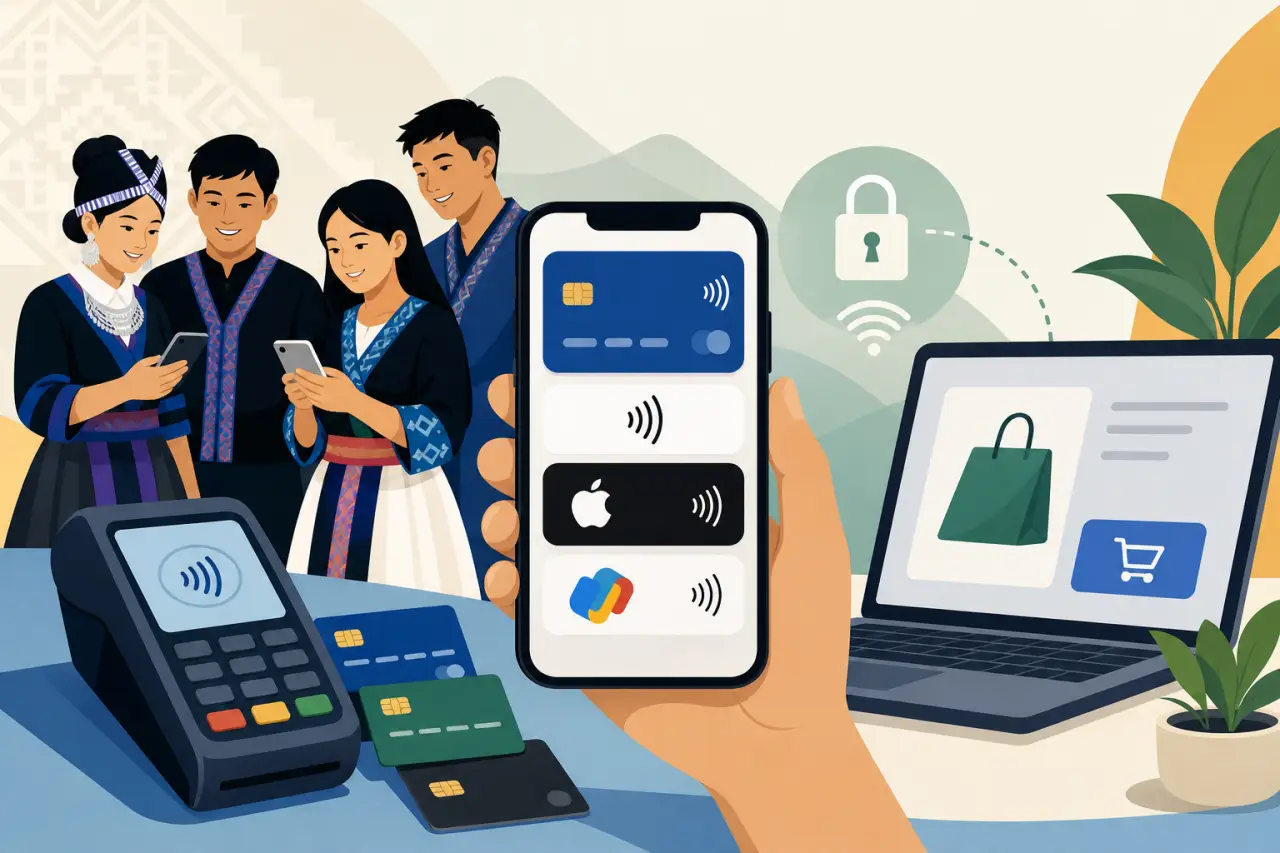
Start with the basics: major debit and credit cards, plus whichever digital wallet is standard on the phones your customers carry — Apple Pay if you sell to a lot of iPhone users, Google Pay if your audience skews Android, and ideally both, since you usually can't tell in advance. Most ecommerce platforms (Shopify, Squarespace, WooCommerce — see our guide to setting up a store on WordPress if that's the route you're taking) support these by default through their built-in checkout, so getting this right is usually the lowest-effort, highest-return decision you'll make.
Digital wallets deserve more weight than they might seem to at first glance. A customer checking out on their phone doesn't have to type a 16-digit card number, an expiration date, and a CVV with their thumbs — they authenticate with a face scan or fingerprint and it's done in two taps. On mobile, where cart abandonment rates run noticeably higher than on desktop specifically because typing is annoying, that difference in friction is often the whole reason a sale completes or doesn't.
Don't treat this step as "turn on every option my platform offers and move on." Actually test the checkout yourself, on your own phone, the way a customer would. If Apple Pay is enabled but buried two clicks deep behind a generic "pay with card" button, you're not getting the benefit of having it — it needs to be visible and one tap away from the moment someone reaches your cart.
Buy Now, Pay Later: Useful for Some Stores, Overkill for Others
Buy-now-pay-later options like Klarna, Afterpay, and Affirm split a purchase into several smaller payments, usually interest-free if paid on schedule. They tend to raise average order value and reduce cart abandonment specifically for purchases in the roughly $50-to-$500 range — clothing, home goods, electronics, anything where a customer might hesitate at the full price but not at a quarter of it spread over six weeks.
They make far less sense for a $12 candle or a $8 bag of snacks. Below a certain price point, splitting the cost doesn't change anyone's buying decision, and you're paying that provider's transaction fee — typically higher than a standard card fee — for a feature nobody needed. If most of what you sell is inexpensive and bought on impulse, skip this category entirely rather than adding it because a competitor has it.
If you do sell higher-ticket items, know that these providers do their own credit check on the shopper at checkout, which is separate from your relationship with your payment processor and settles differently — you typically get paid in full up front by the buy-now-pay-later provider, and they take on the risk of collecting the installments. That's worth understanding before you commit, since it changes how quickly cash actually lands in your account compared to a standard card sale.
When Customers Ask for Venmo, Cash App, or Zelle
If you sell at Hmong New Year celebrations, farmers markets, or other in-person pop-ups alongside your online store, you've probably already had a customer ask "do you take Venmo?" or "can I just Zelle you?" It's worth having an honest answer ready, because these apps are genuinely how a lot of people, especially younger buyers, move money day to day — and saying no can lose a sale on the spot when someone's card declines or they simply don't have one on them.
The catch is that these person-to-person apps were built for splitting rent and paying back a friend, not for retail. None of them offer the buyer protection, dispute process, or fraud coverage a real payment processor does, and using them for business transactions can violate their own terms of service depending on the app and how you've set up the account. If a customer disputes a Venmo payment after receiving goods, you generally have far less recourse than you would with a card chargeback process, and no built-in record tying the payment to an order.
A reasonable middle ground many small and family-run businesses land on: keep a QR-code-based option like Cash App's business profile or Square's tap-to-pay for in-person pop-ups where a phone is genuinely the fastest option, but don't build your actual online store's checkout around apps that weren't designed for commerce. For your website, stick with a real payment processor — one that gives you dispute protection and a transaction record you can actually reconcile against your books.
Keeping Your In-Person and Online Payments on One System
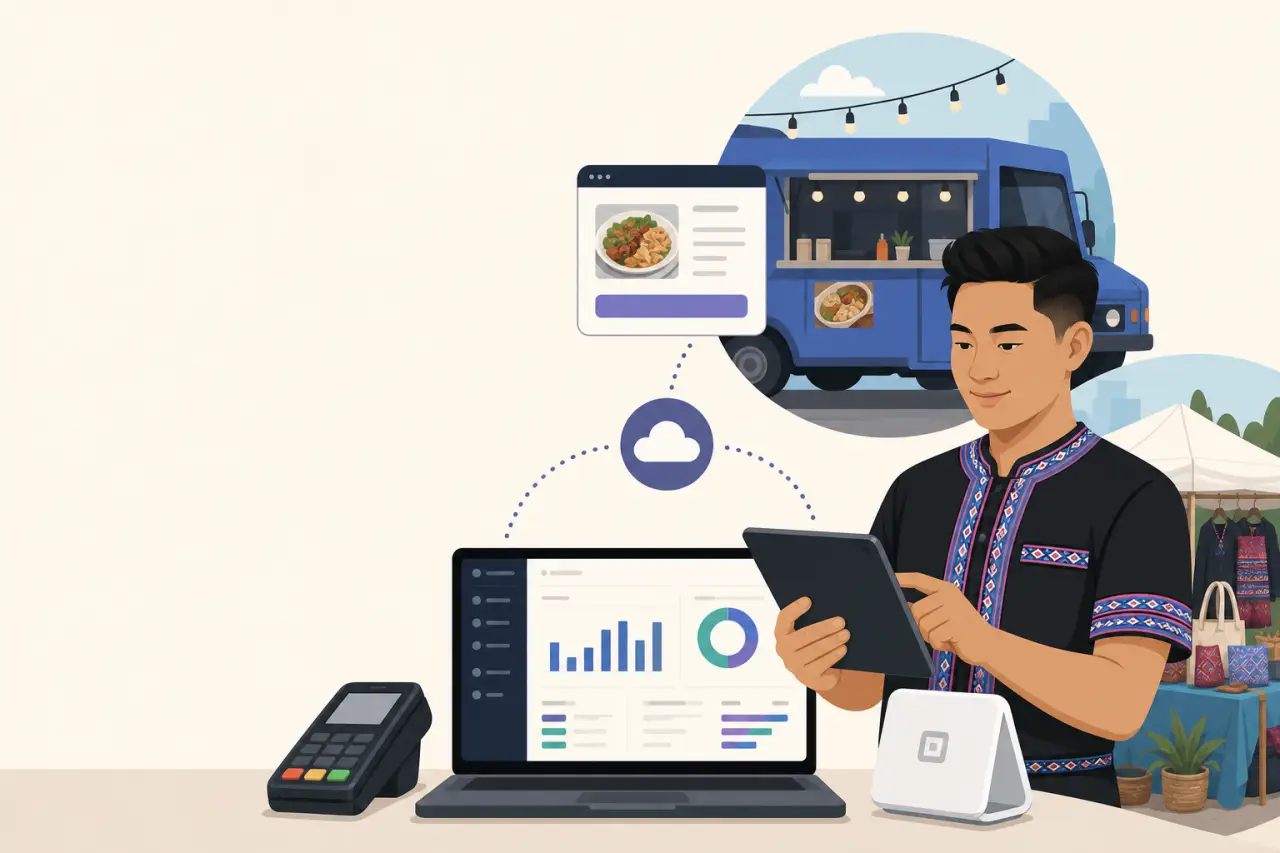
If you sell both online and in person — a food truck with a website for catering orders, a boutique that also does craft fairs — using the same payment processor for both isn't just convenient, it's a real time saver at tax time. Square, Shopify POS, and a handful of other providers let you run one dashboard across both channels — part of the actual gear list for an online store worth budgeting for alongside your payment setup — which means your sales, refunds, and inventory counts land in one place instead of two systems you have to manually reconcile every month.
The alternative — a different processor online than in person — seems harmless when you're first setting up, but it compounds. You end up tracking two separate fee structures, two settlement schedules, and two sets of reports to hand your accountant or plug into your own spreadsheet, and it gets easy to lose track of which sales already got recorded where. For a business being run by one or two people alongside everything else the business needs, that reconciliation time is real cost even if it never shows up on an invoice.
If you're just getting started and haven't picked either system yet, this is worth deciding before you commit to one instead of after — switching later means re-entering your product catalog and retraining yourself (or your staff) on a new interface, which is its own kind of hidden cost.
What Processing Fees Actually Cost You Over a Year
Processing fees typically run somewhere between 2.5% and 3.5% per transaction once you account for the base rate plus any per-transaction flat fee, though the exact number varies by provider, card type, and whether the card was physically present or entered online. On a thin-margin product, that difference between, say, 2.6% and 3.4% sounds small until you run it against a full year of sales — on $150,000 in annual revenue, that gap is over a thousand dollars, money that would otherwise be yours.
Don't compare processors by their advertised headline rate alone. Look at the full fee structure:
- Is there a monthly platform fee on top of the per-transaction cost?
- A separate fee for chargebacks, even ones you win?
- A higher rate for certain card types, like corporate or rewards cards, that you won't notice until your statement shows a blended rate higher than what was advertised?
Ask directly, or read the actual pricing page rather than the marketing page, before locking in.
Also check what happens to funds before they reach your bank account. Some processors hold new accounts to a rolling reserve — keeping back a percentage of your sales for a set period as protection against disputes — which can meaningfully affect your cash flow in the first few months if you're not expecting it. This is worth asking about directly during setup rather than discovering it the week you need that money for inventory.
Chargebacks and Fraud: What Small Sellers Actually Need to Worry About
A chargeback happens when a customer disputes a charge directly with their bank rather than asking you for a refund, and it comes with its own fee on top of losing the sale — sometimes $15 to $25 per incident regardless of whether you eventually win the dispute. For a small business, a handful of chargebacks in a short window can also flag your account for extra scrutiny or a higher reserve requirement, so it's worth taking seriously even at low volume.
The most effective prevention isn't a fraud-detection tool, it's clear communication before the dispute ever happens. Make sure the name that shows up on a customer's bank statement matches your business name, or at least something recognizable — a mismatched billing descriptor is one of the most common reasons a legitimate customer disputes a real charge, simply because they didn't recognize the line item and assumed it was fraud. Send an order confirmation immediately and a shipping notification with tracking as soon as it's available; a customer who can see their order is moving rarely bothers disputing it.
If a dispute does happen, respond with evidence rather than ignoring it. The following all count as evidence:
- Tracking numbers
- Delivery confirmation
- Any correspondence with the customer
Processors generally require you to submit that evidence within a specific window, often just a week or two. Missing that window is an automatic loss even in cases where you'd have won easily with the paperwork you already had.
Making the Switch: How to Change Processors Without Losing Sales
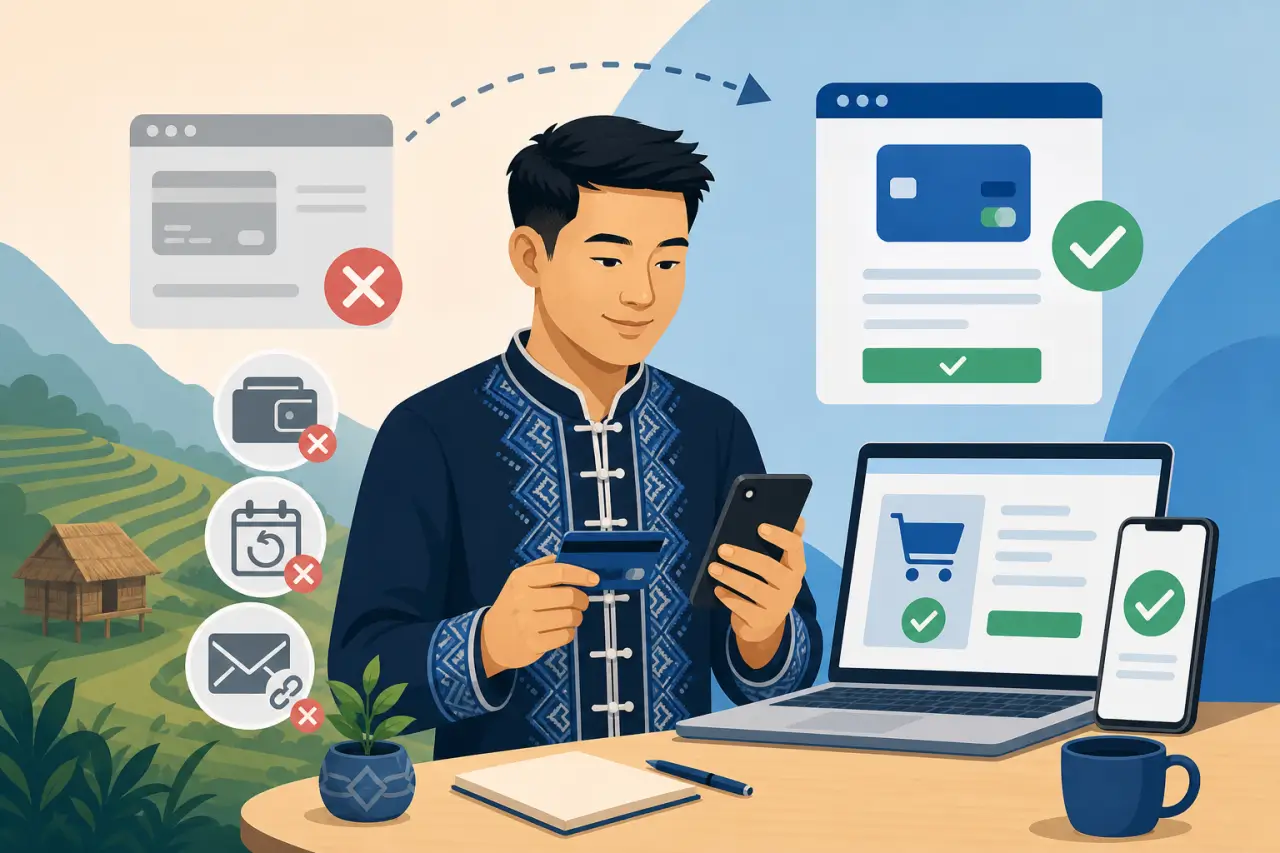
If you're moving from one payment processor to another — maybe you're consolidating in-person and online onto one system, or you found a better fee structure — don't just flip the switch on launch day and hope nothing breaks. Test the new checkout with a real small purchase yourself first, using an actual card, on both desktop and mobile, before pointing real customer traffic at it.
Watch for the parts that are easy to forget:
- Any saved payment methods your returning customers had on file with the old processor generally don't transfer automatically
- Subscription or recurring billing setups need to be recreated rather than assumed to carry over
- Any payment buttons embedded in old marketing emails or social posts may still point at the old system
Give yourself a short overlap window if the platform allows it, rather than a hard cutover with no fallback.
Finally, keep your old processor's dashboard accessible for a few months after the switch even once you've moved on — you'll likely still need it to look up historical transactions for tax records, handle a late chargeback on a sale from before the switch, or answer a customer's question about an old order. Closing that account too early is one of the more common regrets business owners run into after a payment migration. Payments are only one input into what actually drives online sales — but they're the one input that can silently cap every other effort you make, so it's worth getting this piece right before you scale anything else.
Questions people ask
What payment methods should I absolutely have on my online store?
Start with major debit and credit cards plus digital wallets — Apple Pay for iPhone users, Google Pay for Android users, ideally both. These are what most customers already use, so checkout feels familiar. Most ecommerce platforms like Shopify and Squarespace support these by default. Test the checkout yourself on your phone to make sure digital wallet options are visible and easy to tap, not buried behind extra clicks.
Should I add buy now, pay later options like Klarna or Afterpay?
Only if you sell items in the $50-to-$500 range where customers might hesitate at the full price but not at installments. Buy now, pay later doesn't change purchasing decisions on cheap impulse buys like candles or snacks. You'll pay a higher transaction fee for a feature nobody needs. Skip it entirely if most of what you sell is inexpensive.
Can I take Venmo or Cash App payments on my online store?
Person-to-person apps like Venmo weren't built for retail and don't offer buyer protection or fraud coverage like real payment processors do. Using them for business can violate their terms. For in-person pop-ups, a QR-code option is fine. But for your actual website checkout, use a real processor that gives you dispute protection and transaction records you can reconcile.
Does it matter which payment processor I pick if I sell both online and in person?
Yes. Using the same processor for both channels means one dashboard, one fee structure, and one settlement schedule instead of two systems you manually reconcile every month. That reconciliation time is real cost. If you haven't picked a system yet, decide this before you commit to one, because switching later means re-entering your catalog and retraining yourself on a new interface.
Written by
Hmong Network Team
Directory & Digital Services
We run the Hmong Network directory and do the web design and SEO/AEO work behind the results in our case studies. These guides come out of that same hands-on work with Hmong-owned businesses — not secondhand research.
