
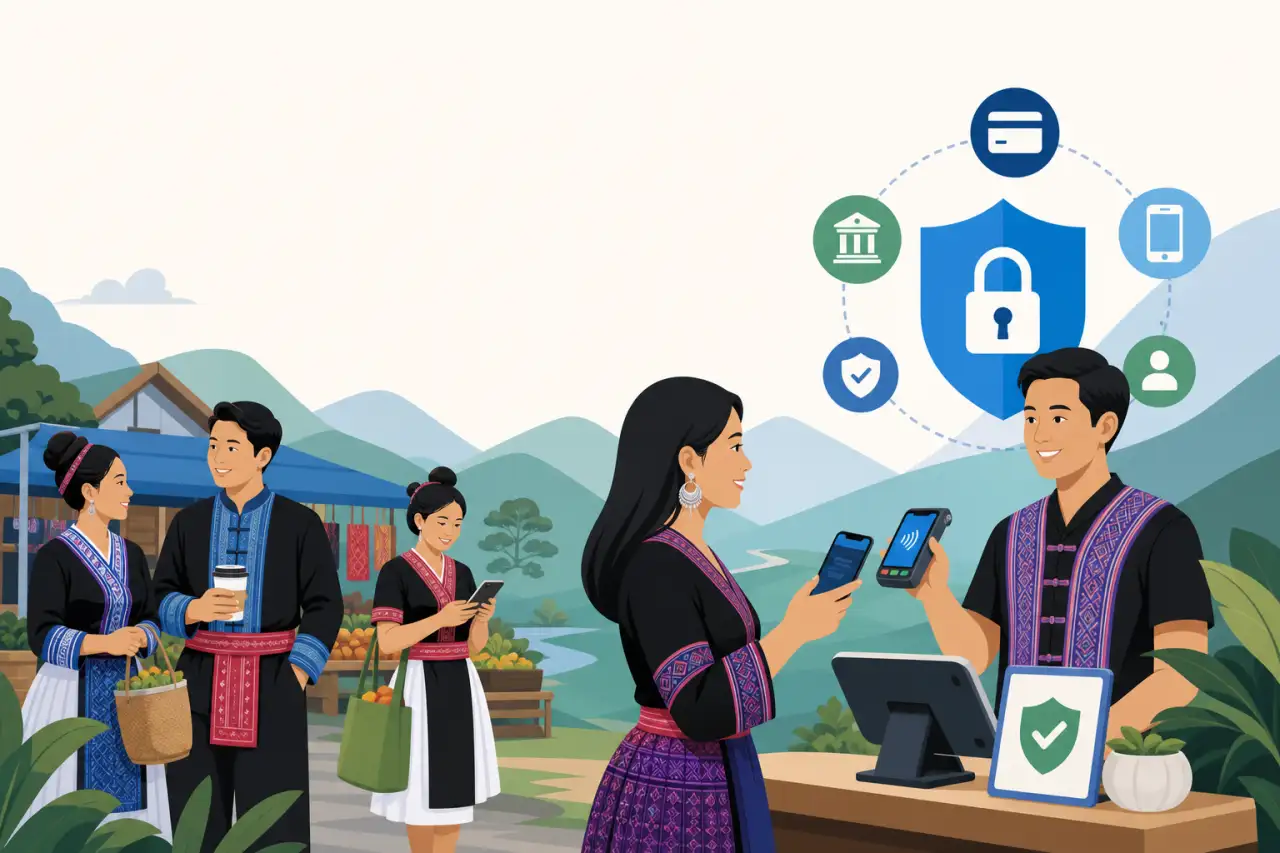
Picking Payment Tools Your Customers Will Actually Trust
TL;DR
Choosing a payment processor is the easy part — the real work is understanding what it actually costs you and helping every customer, especially the ones who still trust cash, make the switch without feeling pushed.
Match the Processor to How You Actually Get Paid
Before you compare a single rate, write down how money actually moves through your business on a normal week. A food truck or a booth at the Hmong New Year celebration takes payment in person, often outdoors, sometimes with spotty signal. A seamstress or a jewelry maker selling online through Facebook or a marketplace storefront takes payment remotely, with no card ever physically present. If you're still deciding where that storefront should live, setting up an online store on WordPress is one common starting point, and either way it helps to understand what it actually takes to sell online before you start comparing processors. A restaurant or grocery does both — a counter terminal most days, plus phone and delivery-app orders layered on top. Each of those situations has a different real-world failure point, and the processor that handles one well doesn't automatically handle the other.
For in-person sales, ask specifically about:
- Offline mode — can you still take a card when the internet drops for ten minutes
- How fast deposits actually land in your account
- Whether the reader works reliably outdoors or on a folding table at a market, not just behind a polished countertop
For online sales, ask about built-in fraud screening and how disputes are handled when the card genuinely wasn't present for the transaction, since that's the scenario processors scrutinize hardest. If you're comparing options for the first time, choosing the right payment options is a good rundown of which methods to offer first and which ones can wait. If you do both, look for one account that reports everything in a single place rather than reconciling two separate systems at tax time — that alone saves hours every quarter.
It also helps to think about the shape of your slow season versus your busy season before you commit. A tailoring shop that does steady, modest business most weeks but triples its volume around wedding season and Hmong New Year needs a processor that won't flag that spike as suspicious and freeze funds right when you need them most. Ask a processor directly how they handle a sudden jump in transaction volume on an established account — the answer tells you a lot about whether they were built for businesses like yours or for a flatter, more predictable retail pattern.
Read the Fee Structure the Way You'd Read a Lease
The advertised rate on a payment processor's homepage is the opening line of a much longer document, not the whole story. The number that actually matters is what lands in your account after a transaction, and that depends on:
- Card type
- Whether it's swiped or keyed in
- Monthly minimums
- Statement fees
- PCI compliance fees
- Chargeback fees
- How quickly you can access your own money
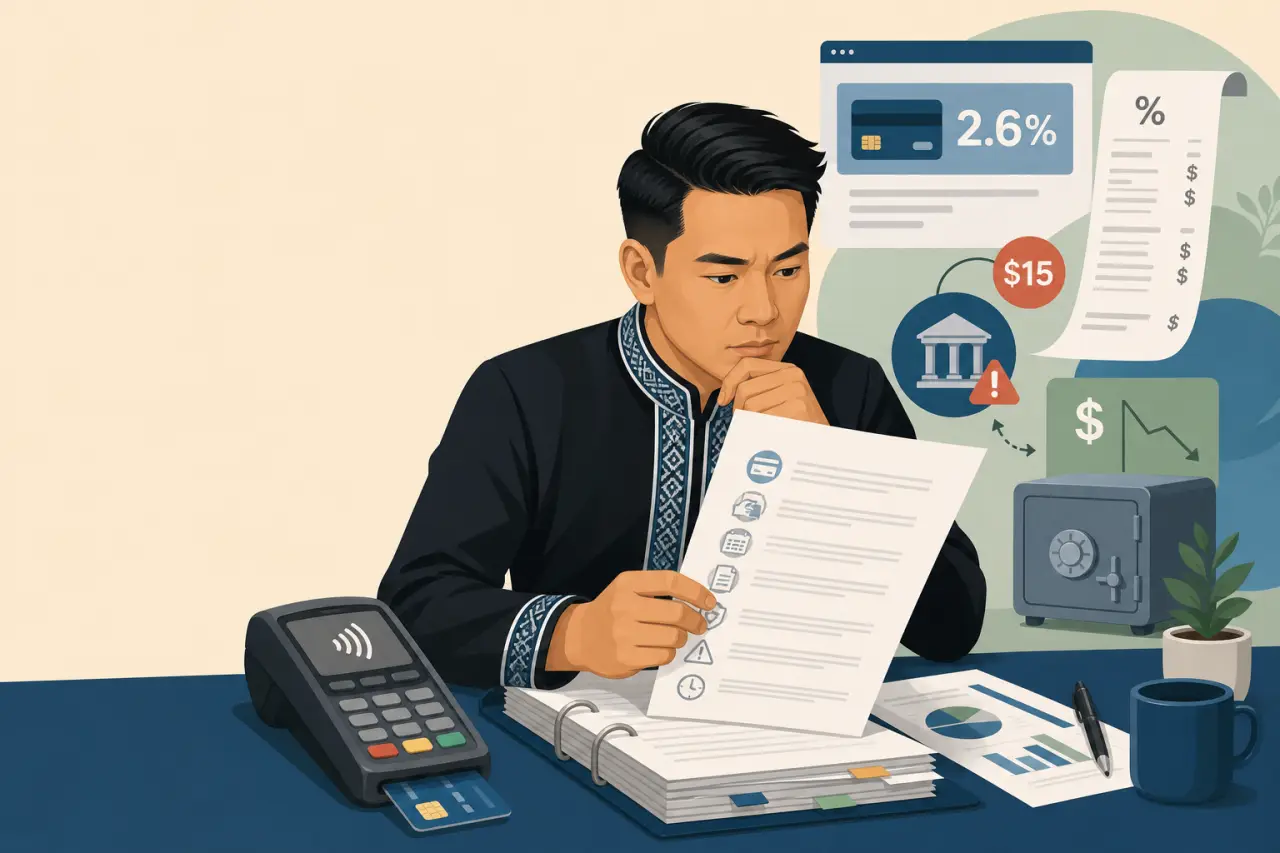
A processor advertising 2.6% can end up costing more than one advertising 2.9% once you add up a monthly platform fee and a $15 charge every time a customer disputes a charge — whether or not you win the dispute.
Ask for the full fee schedule in writing, not a summary, and read the chargeback and refund sections specifically. Some processors also hold funds or place a rolling reserve on a new account for the first few months, which can catch a seasonal business — think a Hmong New Year vendor doing most of their year's revenue in one weekend — completely off guard if a chunk of that weekend's sales doesn't show up in the bank account right away. Ask directly whether that applies to your account type before you sign up, not after your first big weekend.
It's worth actually running the math on paper once, using a real week of your own sales, rather than trusting a comparison chart from a review site.
- Take last month's total sales
- Split them into card-present and card-not-present transactions if you take both
- Apply each processor's real fee structure to see what you'd have actually kept
The difference between two processors that look nearly identical on their pricing pages can turn out to be a few hundred dollars a month once you plug in your own numbers, and that's money worth spending twenty minutes to find.
Keep Records That Would Hold Up If Someone Ever Asked
A processor's real value shows up months after the sale, not at the moment of it. When a customer disputes a charge, when your accountant asks for a category-by-category summary at tax time, or when you're applying for a small business loan and need to show consistent revenue, the quality of your transaction records is what determines how much time that takes you. Look for a processor that lets you export clean, itemized reports — not just a total, but date, amount, item, and payment method — without needing a developer or a $40-an-hour bookkeeper to pull them.
This matters more, not less, if your business runs partly on cash and partly on card. Reconciling two separate systems by hand at the end of the month is where small errors creep in, and those errors are exactly what an auditor or a curious accountant will find first. If you're still doing your books on paper or in a notebook behind the register, a processor with a simple export feature can quietly save you the equivalent of a full workday every month.
This is also where a family-run business benefits from writing down, once, who handles what. If more than one person takes payments — a spouse in the evenings, a parent on weekends, a teenager helping out after school — make sure everyone is using the same account and the same logged-in device rather than personal apps or side accounts. It's a small thing to set up early and a genuinely hard thing to untangle later if you ever need a full, clean picture of a year's sales for a loan application or an audit.
Explain the Change Before You Make It, Not After
The biggest mistake in moving a business off cash isn't picking the wrong processor — it's making the switch happen to customers instead of with them. If your regulars are used to handing over cash and getting quick, informal service in return, a laminated sign taped to the register saying "Cards Only" reads as a wall going up, even if that's not how you meant it. Tell people directly, ahead of time, ideally in whatever language they're most comfortable hearing it in. A short conversation — "we're adding card payment starting next month, cash still works the same as always" — does more to keep a customer than any signage ever will.
This is especially true for older customers and for customers who've built their relationship with your business on trust that developed over years, not on convenience. Someone who's been buying from your family's stall at every community event for a decade isn't going to abandon you over a payment method, but they might feel unsure enough to hold back a purchase if they think they've misunderstood the new rules. A little extra explanation up front prevents that hesitation entirely.
Keep Cash Working Alongside Everything Else
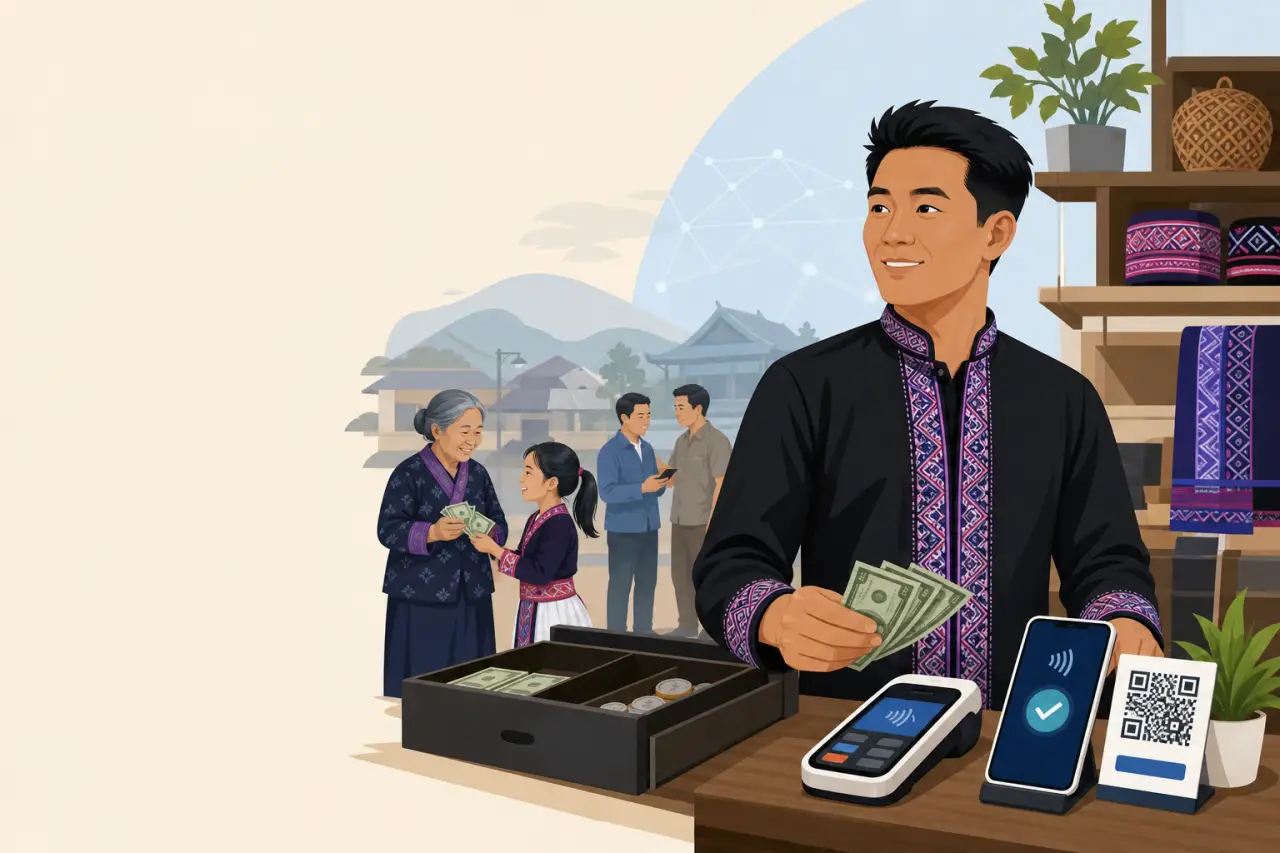
You don't have to choose between modernizing and staying accessible. Keeping cash available during and after a transition to digital payments isn't a step backward — it's what keeps the widest range of customers comfortable buying from you at all. This matters in particular in communities where remittances, family gifts, and informal lending are still commonly handled in cash, and where some customers, especially elders, simply prefer it and always will.
The businesses that make this transition smoothly tend to treat digital payment as an addition, not a replacement, at least for the first six months to a year. Let the newer payment method prove itself through steady, visible use before you ever consider phasing cash out, if you decide to phase it out at all. Plenty of successful small businesses never fully do, and there's no rule that says you have to. The goal isn't to look modern — it's to make sure every customer who wants to give you money can actually do it without friction.
Build Trust With Small, Visible Signals
Customers trust a new payment method because of what they can see and understand in the moment, not because of the technology running underneath it. A clear, itemized receipt — printed or texted, in a language the customer reads comfortably — does more to build confidence than any security badge on your reader ever will. A visible, simply worded refund and return policy posted near the register answers the question a nervous first-time card customer is silently asking: "if something goes wrong, what happens to my money?" The same logic holds if you sell online too — what your website needs to do its job includes making that same refund policy and pricing just as visible there.
Staff matter just as much as signage. A family member or employee who can calmly explain how the new payment option works, in plain language and in the customer's preferred language, turns a moment of uncertainty into a moment of reassurance. Practice a short, natural explanation with anyone who works your counter — not a script, just a sentence or two they're comfortable saying without hesitating, because hesitation is what a nervous customer notices first.
Protect Your Business, Not Just Your Customers' Cards
Secure payment processing protects you as much as it protects the person paying you. Basic habits matter more here than expensive add-ons:
- Never write down or store a customer's full card number anywhere, even temporarily
- Never key in a card number over the phone into a system that isn't set up to handle it securely — use your processor's actual phone-order feature if you take orders that way
- If you use a shared tablet or terminal at a market booth or pop-up, make sure it locks itself and requires a passcode when it's out of your hands for even a minute
Most processors handle PCI compliance requirements automatically as part of the service, but it's worth confirming that in writing rather than assuming it. If a data breach or fraud incident happens and you can't show that you followed basic security practices, you can end up personally liable for costs that a compliant setup would have covered. This is one area where the cheapest processor isn't always the cheapest choice once you account for what happens if something goes wrong.
Handle Disputes Calmly — They're Part of Running a Real Business
A chargeback or disputed charge isn't a sign you did something wrong; it's a normal part of accepting digital payment, and how you handle it matters more than the fact that it happened. When a dispute comes in, respond with whatever documentation your processor requests as quickly as you can — a signed receipt, a delivery confirmation, a text exchange confirming the order — because most processors set a hard deadline, often just a week or two, after which you lose the dispute automatically regardless of who was actually right.
Keep a simple habit of saving proof for every transaction where something unusual happens: a custom order, a large purchase, a delivery to an address that doesn't match the card. It takes thirty extra seconds at the time of sale and can save you the full value of the transaction later. And if a customer disputes a charge directly with you before going to their bank, treat that as a chance to resolve it personally — a fast, friendly refund for a genuine mistake costs you far less than a formal dispute does, and it's the kind of thing regulars remember.

Questions people ask
What should I look for in a payment processor if I sell in person outdoors?
Ask about offline mode so you can still take cards when the internet drops. Check how fast deposits actually land in your account and whether the reader works reliably outdoors on a folding table, not just behind a polished counter. These real-world failure points matter more than advertised rates.
How do I figure out which payment processor will actually save me money?
Get the full fee schedule in writing and do the math yourself using a real week of your own sales. Split transactions into card-present and card-not-present if you take both, then apply each processor's actual fees. The difference between processors that look identical can be hundreds of dollars a month.
Should I stop taking cash when I add card payments?
No. Keeping cash available is what keeps your widest range of customers comfortable buying from you. Treat digital payment as an addition, not a replacement, for at least six months to a year. Let it prove itself through visible use before you ever consider phasing cash out.
What do I do if a customer disputes a charge?
Respond to your processor's request for documentation as quickly as you can, before the deadline—often just a week or two. Save proof for unusual transactions: custom orders, large purchases, or deliveries to unusual addresses. If a customer disputes a charge directly with you first, a fast refund costs less than a formal dispute and customers remember it.
Written by
Hmong Network Team
Directory & Digital Services
We run the Hmong Network directory and do the web design and SEO/AEO work behind the results in our case studies. These guides come out of that same hands-on work with Hmong-owned businesses — not secondhand research.
