

Optimizing Your Storefront & Listings for Search
TL;DR
Your storefront and listings do not have a separate SEO setting to fill out — the title, description, tags, and photos you already write are the SEO, on this site and on Google alike.
What Actually Controls Whether You Show Up
There is no hidden SEO tab you are missing. Every field you already fill in when you set up a product or your storefront is the search engine's raw material:
- The product name
- The description
- The tags
- The category you pick
- The photos you upload
- Your storefront's own name and tagline
Nothing extra to configure, nothing to buy, nothing to "turn on." Getting each of those fields right is really just listing best practices for sellers applied with search in mind. If a field is vague, the search results built from it will be vague too.
That raw material gets used twice, for two different audiences. On-site, it powers the search bar and the category and tag filters shoppers use to browse the marketplace — type "cupping set" and the system is matching against your product's actual title and tags, not some separate index. Off-site, when a page is public and indexable, the same title and description are what an external search engine reads and may show someone who searched on Google for something like "Hmong herbal shop near me" — the same website basics that boost ranking apply here, since a storefront page is just another page search engines are reading. Write once, get read by both.
That means there's no version of your listing that's "just for browsing" and a separate version "just for search." A shopper scrolling your storefront on their phone and someone landing on your product page from a Google result are looking at the exact same words. Treating the fields as a quick form to get through, rather than as the actual description of your business a stranger might meet first, is the single biggest gap between a storefront that gets found and one that doesn't.
Write Titles a Stranger Could Understand at a Glance
Lead with the plain, ordinary name of the thing you are selling, then add the details that tell one of your products apart from another. "Paj Ntaub Story Cloth — Hmong New Year Scene, 24x36 in" beats "Beautiful Handmade Treasure" every time, because the first one answers the question a shopper actually has (what is this, and is it the size I need) and the second one answers nothing. Save the warmth and the story for your description — the title's only job is to be instantly, unambiguously clear.
Front-load the important words, because titles get cut off. In a search results grid or in a Google snippet, a long title truncates after a certain number of characters, so if the size, flavor, or variant that actually distinguishes your product is buried at the end, it may never be seen at all. And resist the urge to repeat a word to try to rank for it — "Fresh Fresh Hmong Sausage, Fresh Made Daily" does not help you get found, it just reads like spam to a person and gets flagged the same way by search engines. Say the important word once, clearly, and move on.
A quick way to test a title: read it out loud to someone who has never seen your shop and ask what they think you're selling. "Grandma's Special Recipe" tells them nothing. "Hmong Sausage, Mild, 1 lb" tells them everything they need before they even open the page — what it is, how spicy, and how much they're getting. If the honest answer to "what would I actually type into a search bar to find this" is different from your current title, that's the title to use.

Make the First Two Sentences of a Description Earn Their Place
Search engines and shoppers both tend to only really absorb the opening of a description before deciding whether to keep reading, so put the essential facts there: what the item is, who it's for, and the one or two details that matter most for a buying decision, such as:
- Size
- Main ingredients
- What's included
- How it's used
Save the story, the family history, the "why we started this" for after those facts, not before them. A description that opens with three sentences of scene-setting before it ever says what's in the box is asking a browsing shopper to do extra work most won't do.
If a term is common inside the community but might be unfamiliar to someone finding you from outside it, a short plain-language gloss helps both audiences at once — "paj ntaub, a hand-stitched Hmong story cloth" tells a newcomer what they're looking at without talking down to anyone who already knows. That kind of clarity is also exactly what gets a passage quoted directly when someone asks an AI assistant or a voice search "what is paj ntaub" — plain, self-contained explanations get surfaced as answers far more often than descriptions that assume prior knowledge.
Length matters less than people assume. A two-sentence description that actually says something concrete beats a long one padded with phrases like "we take pride in quality" or "made with love and care," which are true of almost every small business and therefore tell a searcher nothing distinctive about yours. If you find yourself writing a sentence that could be pasted onto a competitor's product unchanged, cut it and replace it with a fact only your product has.
Tags and Categories Do More Work Than They Get Credit For
Tags are how a shopper narrows down a page full of products into the handful that actually match what they want, so the test for a good tag is simple: would someone use this exact word to filter? Tags someone would actually click include:
- "Gluten-free"
- "Toddler size"
- "Beeswax"
- "Vegetarian"
- "Hand-forged"
"Nice," "quality," and your own store name are not — they describe your opinion of the product, not the product itself, and nobody filters by them.
Category selection matters just as much and gets rushed just as often. Picking the closest real match, rather than defaulting to whatever catch-all bucket is fastest to click, is what determines whether your item shows up when someone browses that category page directly instead of searching by keyword — and browsing by category is exactly how a lot of shoppers explore a marketplace they don't already know well. A wellness product filed under the wrong category is invisible to anyone who never thinks to search for it by name.
Think about tags from the buyer's constraint outward rather than from your product outward. A buyer doesn't search "handmade" in isolation nearly as often as they search "handmade for a toddler" or "handmade, machine washable" — the tag that matters is the one attached to the constraint that would have made them give up looking otherwise. The constraint that matters most tends to vary by category:
- Food: often dietary (halal, gluten-free, no added sugar)
- Apparel and textiles: often size, fabric, or occasion (wedding, New Year, everyday wear)
- Wellness and beauty: often ingredient or skin type
Three or four tags picked this way will out-perform a dozen generic ones.
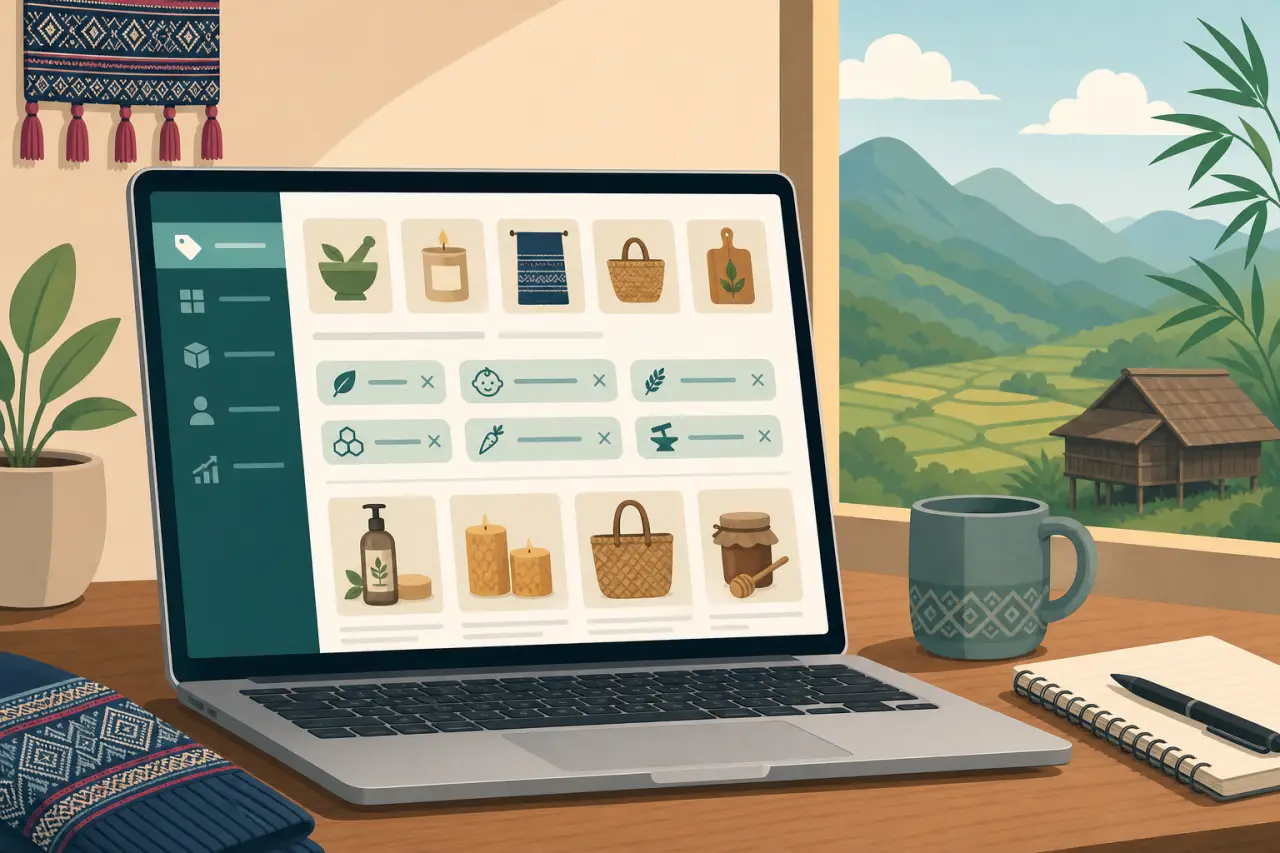
Treat Every Photo Like It Might Be the Only Thing Someone Sees
A good product photo doesn't take much:
- A phone camera near a window
- A plain background
- Two or three angles
That combination will outperform a dim, cluttered photo shot under yellow indoor lighting almost every time — and photo quality is not just about conversion, it affects search too. These fundamentals are covered in more depth in our photo guidelines that help you sell, and they matter for search exactly as much as they matter for conversion. A clear, well-lit, accurately-labeled image is what lets your product get picked up by image search in addition to text search, which is an entire second path to being found that a blurry or generic stock-style photo simply can't use.
This carries over anywhere else you post the same photos — your Google Business listing, Facebook, Instagram. When you upload an image somewhere that lets you name the file or write alt text, describe what's actually in the shot rather than leaving the camera's default "IMG_4821.jpg," and rather than uploading a pure logo or text graphic as your only product photo. A search engine can't see the image the way a person can — the filename, the alt text, and the surrounding product description are how it understands what's there.
Multiple angles do double duty too. A single hero shot answers "what does this look like," but a second photo showing scale (next to a hand, a coin, a common object), or the product in use, answers the follow-up questions a buyer would otherwise have to message you to ask — and every question you can answer with a photo is one less back-and-forth before someone decides to buy. If you only have time to improve one thing about your listings this month, better photos are usually the highest-leverage fix, since they help conversion and search at the same time.
Keep Your Storefront Name and Story Consistent With How People Already Know You
Your storefront name and tagline represent your whole shop everywhere except an individual product page, so they should match how customers already refer to you — the name on your sign, the name people say out loud, the name your directory listing already uses. A storefront that quietly rebrands itself differently from the business people already know fragments your identity across search instead of reinforcing it: a search for your real name turns up a listing that doesn't obviously match.
It's also worth actually revisiting your storefront description and tagline every so often rather than setting them once at signup and forgetting them. A tagline that still says "Now Open!" a year later, or a description that lists products you no longer carry, doesn't just look stale to a shopper — it's actively describing your business inaccurately to whatever is indexing that page, which does nothing to help you show up for what you actually sell today.
This consistency matters even more if you're known under more than one name — a Hmong name your community uses and an English name on your storefront, for instance, or a shortened version of a longer business name. Where you can, work both into your storefront description at least once, in plain text rather than only as a logo image, so a search for either name has a real chance of landing on you instead of only the name that happened to get typed into a form first.

The Small Habits That Quietly Undercut a Listing
The single most common mistake is copying one product's description onto five others and swapping only the name and price. It's the fastest way to list a lot of products, and it's also the fastest way to make every one of them read as generic filler — both to a shopper comparing your items and to anything trying to understand what makes each one distinct. Give each product even one sentence that's actually specific to it.
The rest of the list is just as easy to fix once you know to look for it:
- Items left up long after they're out of stock or discontinued, which wastes a search result on something a buyer can't actually get
- Titles stuffed with repeated keywords instead of written for a human
- Tags left completely empty because it felt optional
- A category picked at random just to get past that step of the form
None of these take long to notice — they just take remembering to look.
One more worth naming on its own: adding a product and never touching it again. A listing that described your shop accurately the day you wrote it can quietly go stale as your prices, your recipe, or your available sizes change, and an out-of-date listing that draws someone in only to disappoint them once they show up or message you does more damage to your reputation than never having listed the item at all.
A Fifteen-Minute Monthly Search Checkup
Once a month, pick your three best-selling or most-important products and read the title and description as if you'd never seen them before — as if you were a stranger deciding, in a few seconds, whether to click. Would you understand what it is? Would you know if it's the right size or flavor without opening the page? If not, that's the fix to make first, since it's the listing your customers already find most often.
From there, work down the rest:
- Confirm the tags still describe what you currently offer
- Check that nothing out of stock is still showing
- Make sure your storefront tagline and description still match your business today
It's also worth paying attention to the actual questions customers ask you in person or by message — if the same question about an ingredient, a size, or how something is used keeps coming up, that's a strong sign it belongs directly in the product description instead of something you keep explaining one customer at a time.
Last, glance at what's actually selling versus what isn't, and ask why. Sometimes a slow product just has less demand, but sometimes it has a title or photo that's quietly failing to communicate what the item is, and a five-minute rewrite is enough to fix it. Fifteen minutes a month spent this way, done consistently, will do more for how findable your storefront is than any one-time overhaul. Once these basics are dialed in, it's worth looking at the SEO moves most businesses skip — mining reviews, refreshing old listings, and other tactics that go beyond the fundamentals covered here.
Questions people ask
What's the most important thing I should put at the top of my product description?
The essential facts: what the item is, who it's for, and the one or two details that matter most for a buying decision, like size, main ingredients, or what's included. Put these in the first two sentences. Save the story and family history for after, since most shoppers and search engines only absorb the opening before deciding whether to keep reading.
How should I write my product title for search?
Lead with the plain, ordinary name of what you're selling, then add details that set it apart. For example, "Paj Ntaub Story Cloth — Hmong New Year Scene, 24x36 in" beats "Beautiful Handmade Treasure" because it answers what something actually is and what size it comes in. Put important words at the front since titles get cut off in search results.
What kind of tags actually help people find my products?
Tags that describe the product itself, not your opinion of it. Good tags include "Gluten-free," "Toddler size," "Hand-forged," or "Machine washable" — things a buyer would actually use to filter. Skip tags like "Nice" or "Quality" or your store name. Think about the constraints that would make someone stop looking, then tag for those.
Do I really need multiple photos for each product?
Yes. A single photo answers "what does this look like." A second photo showing scale or the product in use answers follow-up questions a buyer would otherwise message you about. Multiple angles also help with image search, which is an entire second way people find you. Even just a phone camera near a window and a plain background will outperform a dim, cluttered photo.
Written by
Hmong Network Team
Directory & Digital Services
We run the Hmong Network directory and do the web design and SEO/AEO work behind the results in our case studies. These guides come out of that same hands-on work with Hmong-owned businesses — not secondhand research.
