
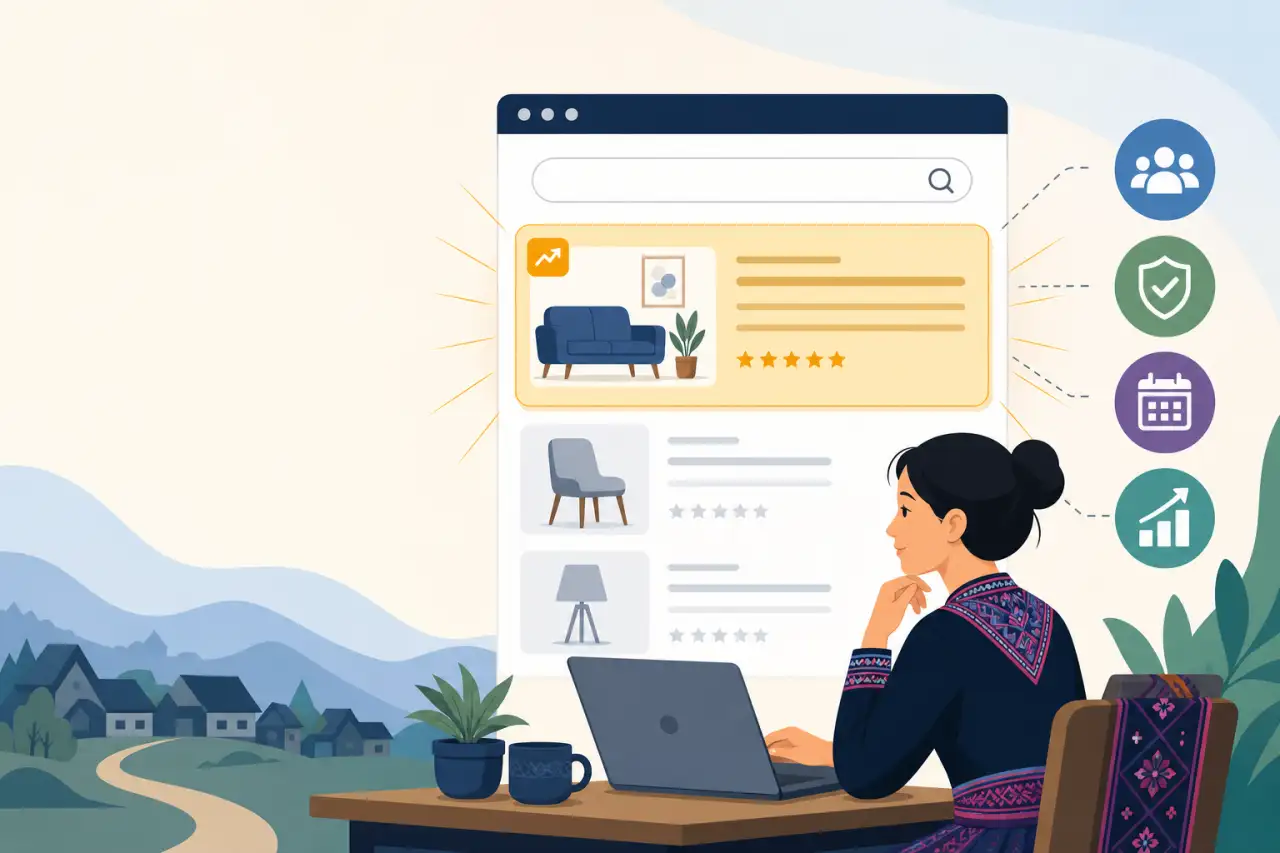
Sponsored Placement: Getting Your Listing Seen First
TL;DR
Sponsored placement puts your listing in front of more buyers across the marketplace and directory. Here's what it actually changes, which package fits your goal, how the review and activation timing works, and how to get real value out of a campaign.
What Sponsored Placement Actually Changes
Sponsored placement doesn't rewrite how search works or promise you the number one spot forever — it changes where your listing sits relative to everyone else for the length of the campaign you buy.
- In category search and on your directory listing's normal position, a sponsored listing moves ahead of standard, non-sponsored results.
- On the homepage, sponsored listings rotate through dedicated spots that a browsing visitor sees before they've searched for anything at all.
Winning that position is one thing; making sure customers actually notice it once it's in front of them is a separate skill worth understanding too.
Depending on the package, that can also come with a visible badge marking the listing as sponsored, and a priority marker on the map view so it stands out visually, not just in list order. None of this changes your organic ranking once the campaign ends — it's a temporary lift in visibility, not a permanent change to how the directory treats your listing.
It's worth being clear-eyed about what this buys you: more eyes on your listing, not more sales by itself. A sponsored listing with strong photos and a complete, specific description converts that extra visibility into calls, messages, and orders. A sponsored listing that's thin on details just gets looked at and passed over faster. Sponsorship amplifies whatever is already on your page — it doesn't fix it.
 Explore the Solutions SuiteStep-by-step guidance plus vetted partner businesses.
The Two Kinds of Campaigns, and Who Each One Is For
Not every business needs the same kind of boost, which is why sponsorship isn't a single one-size product. One type of package is built around your listing itself: it bundles:
- A sponsored badge
- A boosted position in search and category results
- A priority map marker
and comes in a couple of duration options depending on how long you want that lift to run. This is the right fit if your main problem is that people searching your category or browsing your area aren't seeing you — you want to win the moment someone is actively looking. Since this is optional spend on top of whatever you're already paying in commissions, it's worth understanding how seller fees and commissions work before you pick a duration.
The other type is a homepage and search banner placement, which puts your business in front of people before they've searched for anything specific. That's a different job: it's for building general awareness, not just capturing existing intent. A new business trying to become a familiar name in its city, or a business with something time-sensitive to announce — a grand reopening, a big seasonal menu, a limited product drop — gets more out of a banner than a search-position boost, because the audience it reaches hasn't necessarily started looking for you yet.
If you're not sure which one fits, think about whether your gap is "people search for what I sell and don't find me" or "people don't know I exist yet." The first points to the search and category boost. The second points to the banner.

When Sponsorship Is Actually Worth the Money
The clearest case for sponsoring a listing is a launch or a deadline:
- A new product line
- A seasonal menu
- Extra inventory you need to move before it goes stale
- An event tie-in like Hmong New Year season, when buyer intent in your category spikes for a few weeks and you want to be impossible to miss during that window
In all of these, the boost is doing a job with a clear end point — get seen while it matters, not indefinitely. Many businesses get more out of that window by pairing promotions with coupons, so the extra visibility converts into an actual reason to buy now instead of later.
It's also worth it if you already know your listing converts well when people find it — you're getting solid feedback, repeat customers, good reviews — but your view counts are low because you're competing in a crowded category or you're newer and haven't built up organic visibility yet. In that situation, sponsorship is buying you the exposure your listing has already earned the right to convert.
Where it's a weaker bet: if you're not sure your listing is ready to be seen by more people yet, or if you're hoping a boost in views will paper over a description that doesn't say what makes your business worth choosing. Fix the listing first, then buy the spotlight — spending on visibility before the page is ready to earn something from it is the most common way this program stops paying for itself.
Why Eligibility Is Limited to Claimed, Verified Listings
You can only request a sponsored campaign for a listing you've claimed and that's been verified — self-added or unclaimed listings aren't eligible, no matter how complete the information on them looks. This isn't a technicality; it's what makes the sponsored spots trustworthy to buyers in the first place. A sponsored placement is implicitly a claim that a real, accountable business stands behind what's being shown, and that only holds if there's a verified account attached that can actually be held to the program's standards:
- Accurate hours
- Honest photos
- A real phone number that gets answered
If you haven't claimed your listing yet, that's the actual first step, not sponsorship. Claiming and verification confirm you're the real owner or operator, and once that's done, the sponsorship tab in your dashboard becomes available. If you're managing more than one location or business, each one needs to be claimed and verified separately before you can request a campaign for it — sponsorship is tied to a specific listing, not to you as an account holder in general.
The upside of this restriction is that it keeps the sponsored spots meaningful. A buyer who sees a badge knows there's a real, verifiable business behind it, which is worth more to you than a badge that could belong to anyone.
What Happens Between Submitting a Request and Going Live
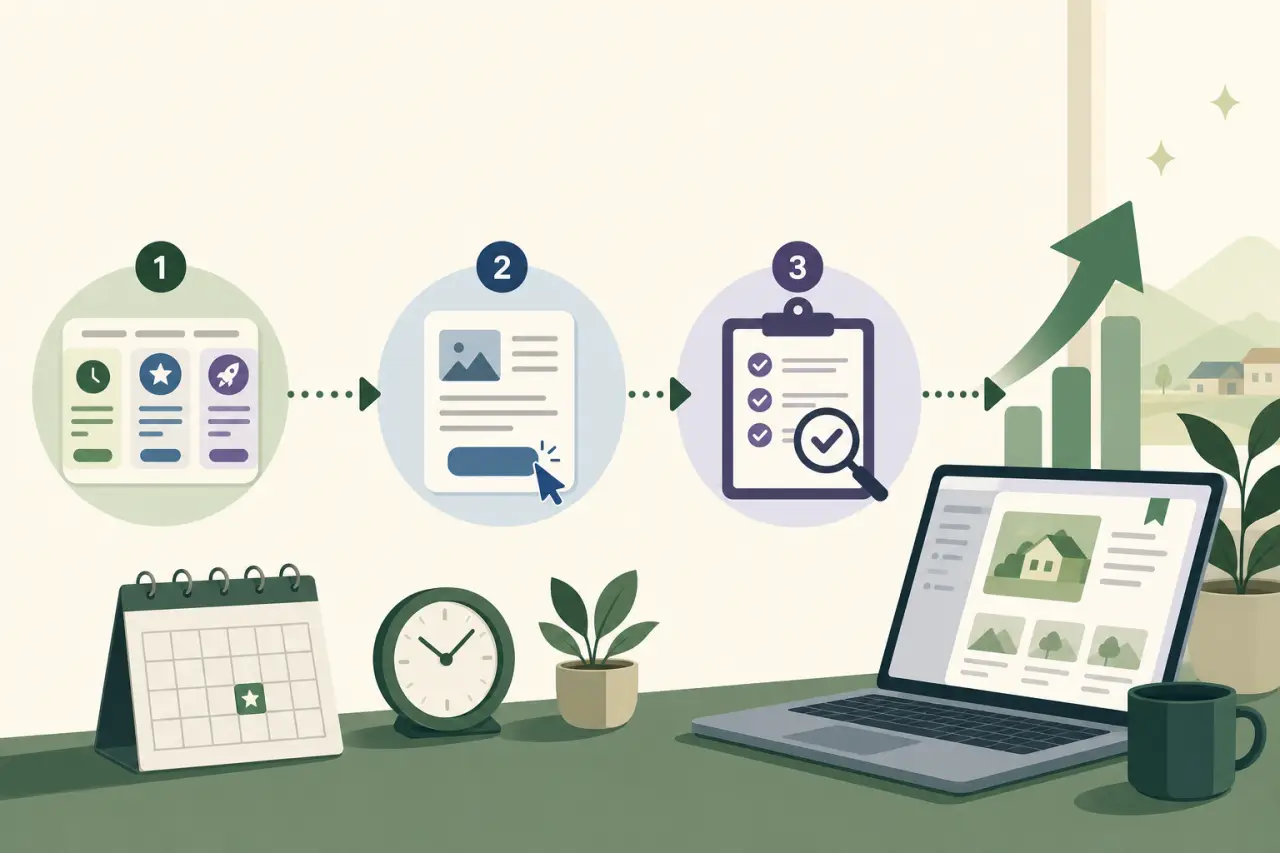
Requesting a campaign isn't instant activation. From your dashboard's sponsorship tab:
- Pick a package based on the length and type of boost you want
- Submit the request
- Wait for it to go into review before it goes live
That review step exists so sponsored placement stays limited to real, active listings in good standing — it's the same accountability idea behind requiring claimed and verified listings in the first place, just applied at the moment you actually ask for the boost.
Because of that review step, don't submit a request the same day you need the boost to be live. If you're timing a campaign to a sale launch, a seasonal rush, or an event date, build in a buffer of a few days between when you submit and when you need buyers to actually see it. Treat the request date as the start of a short waiting period, not the start of your campaign.
While a request is pending, nothing changes on your public listing — no badge, no boosted position, nothing draws on your paid duration. That waiting period is exactly what the next section explains how to plan around.
How the Clock Actually Starts on a Campaign
This is the detail most worth understanding before you submit a request: your campaign's paid duration begins on the date it's approved, not the date you submitted it. If you buy a 30-day spotlight and your request sits in review for two days before approval, you still get the full 30 days — they just start counting from the day it goes live, not from the day you clicked submit. Time spent waiting for review is never deducted from what you paid for.
The practical upshot is that you don't need to pad your requested duration to compensate for an unpredictable review window, and you don't need to guess exactly how many days ahead to submit. What you do need to plan around is when you need the campaign to be visible — work backward from that date, submit with a few days of buffer, and whatever the actual review time turns out to be, your full purchased duration starts fresh once it's approved.
This also means it's worth checking your dashboard after submitting rather than assuming a request went live automatically. A pending request that clears review a few days later than expected simply pushes your start date back by the same amount — it doesn't shrink your campaign, but it does mean the calendar dates you had in mind might shift.
Tracking a Live Campaign and Deciding Whether to Cancel
Once a campaign is approved and running, the same sponsorship tab in your dashboard is where you check on it — how it's performing and how much of the purchased duration is left. Watching that alongside your listing's regular view and contact numbers is the honest way to judge whether the boost is doing its job: if calls, messages, or bookmarks are climbing during the campaign window compared to your normal baseline, it's working. If views go up but nothing downstream moves, that's a signal the listing itself needs attention more than the campaign does.
You can cancel an active campaign at any point from that same tab. Canceling stops the sponsored placement going forward:
- The badge comes down
- The boosted position and any banner rotation stop
But it doesn't refund the portion of the campaign you already used. Think of it less as a subscription you can pause and more as a block of time you're choosing to end early, usually because your reason for running it (a sale, a launch window, a seasonal push) has already wrapped up and there's no point paying for placement you no longer need.
There's no penalty for canceling early beyond forfeiting the unused time, so if your goals change mid-campaign — you sold through the inventory you were trying to move, or the event you were tied to has passed — there's no reason to let it keep running just because you already paid for it.

Getting Real Value Out of a Campaign, Not Just Views
The businesses that get the most out of sponsored placement treat it as the last step, not the first. Before requesting a campaign, walk your listing the way a stranger would:
- Are the photos current, and do they actually show what you sell, not just your storefront from the outside?
- Does the description say specifically what makes you the right choice — what you make, what you specialize in, what's different about how you do business — rather than a generic line that could describe a dozen other listings in your category?
- Are your hours accurate, including any seasonal changes, so a buyer who shows up isn't met with a locked door?
This is the same work behind optimizing your storefront for search — sponsorship and organic search both reward a listing that's already complete, not one that's coasting on paid position.
A sponsored badge and a boosted position earn you a moment of extra attention from someone who was already scrolling past a dozen other options. What happens in that moment is entirely up to what's on the page. Fixing a weak listing after running a campaign on it means you paid to advertise the weak version.
Once the listing itself is solid, sponsorship is one of the more direct levers you have for controlling when you get seen — not just how often. Pair a campaign with an actual event on your side, whether that's new inventory, a seasonal specialty, or a date you want to build attention around, and the boost has something concrete to convert instead of just adding to your view count in the abstract.
Questions people ask
When does my sponsored campaign actually start counting down — when I submit it or when it gets approved?
Your paid duration starts on the date it's approved, not when you submit the request. If your request sits in review for a few days before approval, you still get the full duration you paid for — it just begins counting from the approval date. Time spent waiting for review isn't deducted from your campaign length.
What's the difference between the two types of sponsored placement packages?
One type boosts your position in search results and category listings, with a sponsored badge and map marker. The other is a homepage and search banner placement that builds awareness before someone has searched for anything specific. Use the search boost if people searching your category can't find you. Use the banner if people don't know you exist yet.
Can I cancel my campaign early, and what happens if I do?
Yes, you can cancel any active campaign from your dashboard. The badge, boosted position, and banner rotation stop immediately. You won't get refunded for the unused time remaining, but there's no penalty otherwise. It makes sense to cancel if your campaign's goal (a sale, launch, event) is already done.
Why can't I sponsor a listing unless it's claimed and verified?
Sponsorship is only available for claimed, verified listings because the sponsored badge is a claim that a real, accountable business stands behind what's shown. Verification confirms you're the actual owner or operator, which makes the sponsored spots trustworthy to buyers. If you haven't claimed your listing yet, that's the first step before sponsorship becomes available.
Written by
Hmong Network Team
Directory & Digital Services
We run the Hmong Network directory and do the web design and SEO/AEO work behind the results in our case studies. These guides come out of that same hands-on work with Hmong-owned businesses — not secondhand research.
